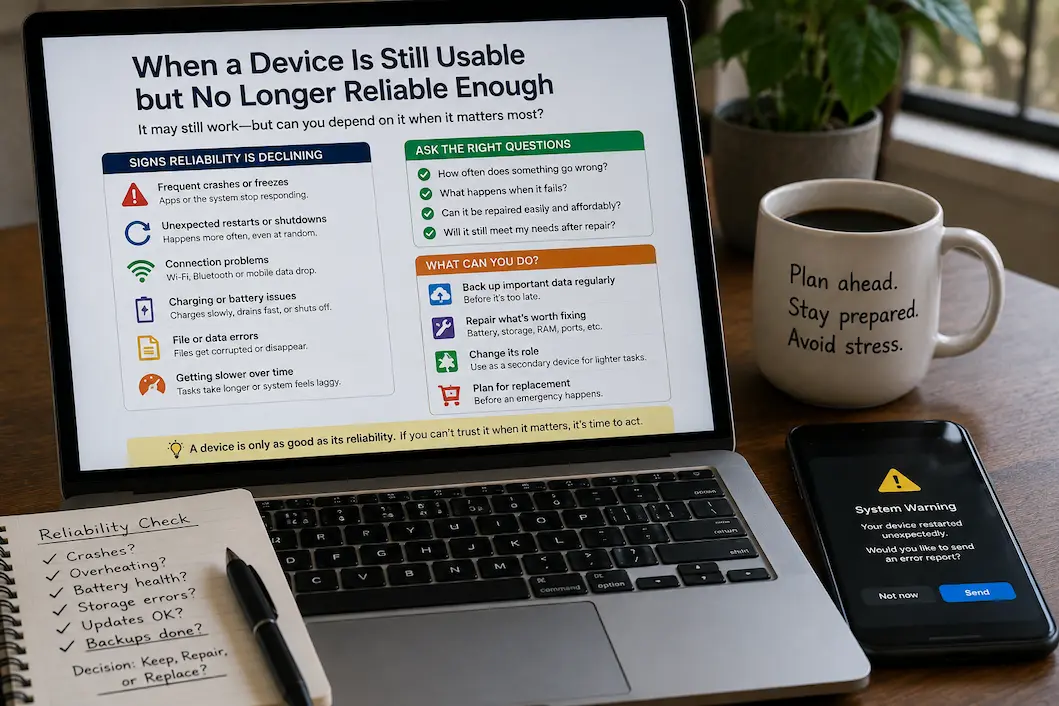
When a Device Is Still Usable but No Longer Reliable Enough

Even as a device becomes increasingly unreliable, it can still function. An old laptop can still open your files, an old mobile phone can still make calls, and an old tablet can still run the apps you use daily. But if a device freezes without warning, loses its connection, shuts down unexpectedly, or fails to … Read more

When Storage Problems Keep Returning After Routine Cleanup

Running out of storage once is easy enough to understand. You remove some old videos, uninstall a few applications, empty the trash, and the warning disappears. The frustrating situation is when the same problem keeps returning. A device may have plenty of free space immediately after cleanup, only for that space to disappear again days … Read more

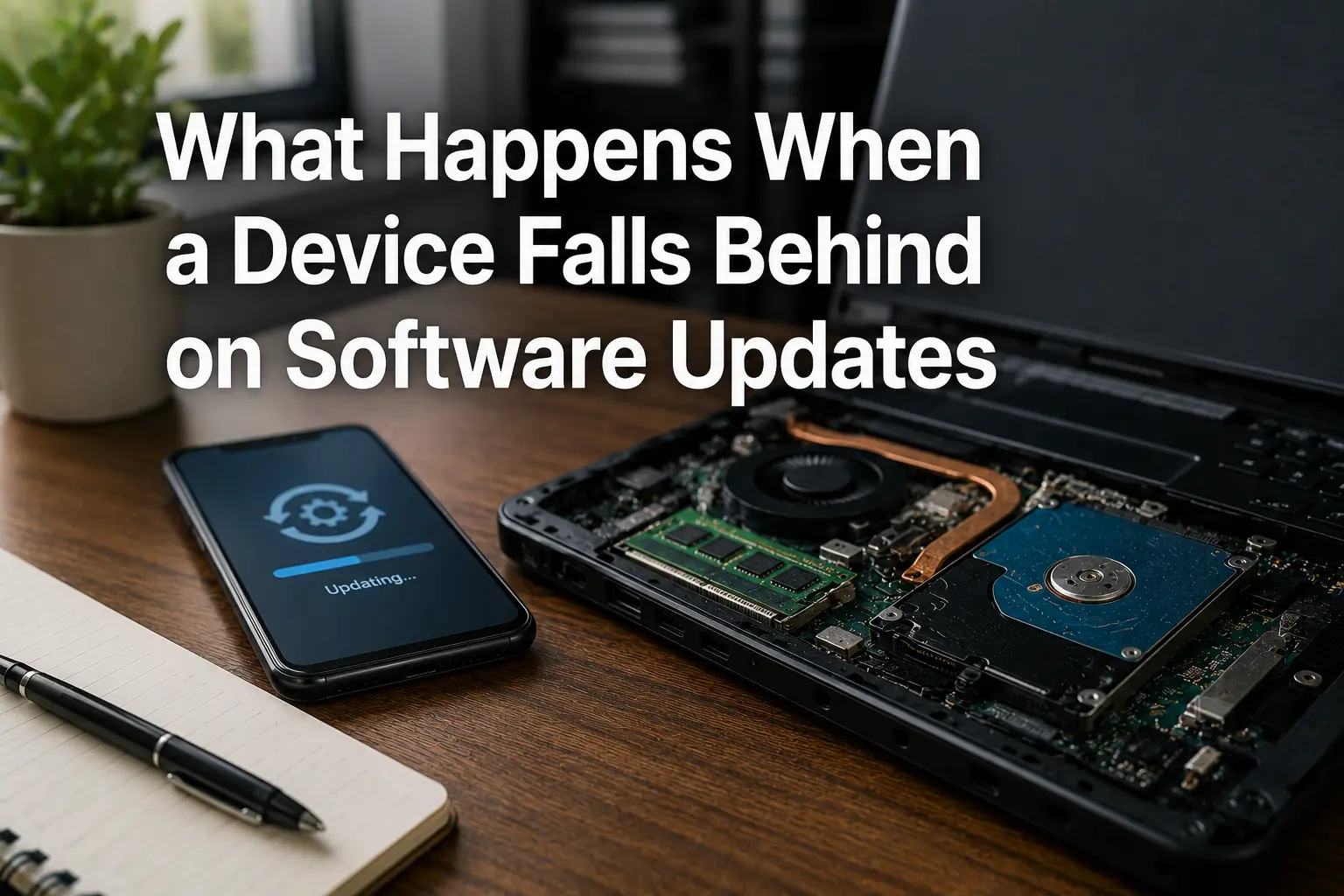
What Happens When a Device Falls Behind on Software Updates

A device can continue working normally even after it starts missing software updates. Apps may still open, websites may still load, and the operating system may look almost the same as it did before. That can make an outdated device seem perfectly fine, especially when there are no obvious error messages or performance problems. The … Read more

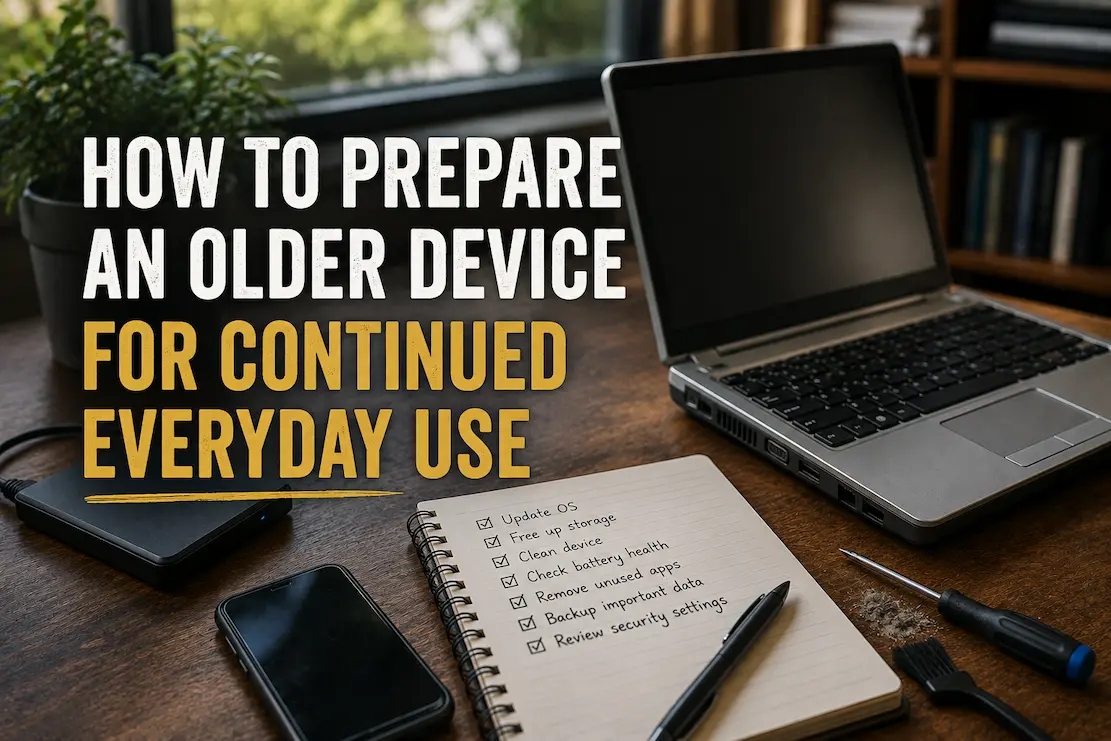
How to Prepare an Older Device for Continued Everyday Use

An older phone or computer does not automatically become unusable just because newer models are faster. In many cases, a device can remain perfectly practical for everyday tasks if its storage, software, battery, security, and physical condition are kept under control. The important part is knowing which limitations are manageable and which ones are warning … Read more

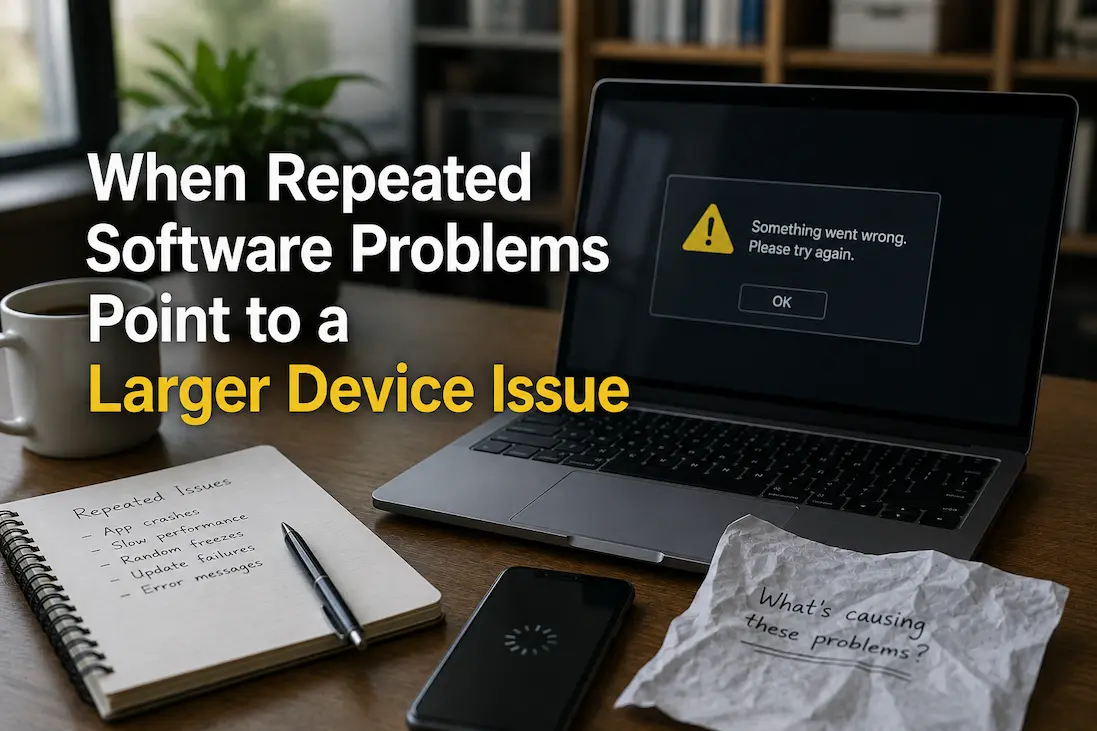
When Repeated Software Problems Point to a Larger Device Issue

A single software problem is usually not enough to conclude that a computer or phone has a serious hardware issue. An application can crash because of a bad update, corrupted settings, insufficient storage, or a temporary conflict, and the problem may disappear after a straightforward fix. The situation becomes more interesting when unrelated software problems … Read more

How to Tell Whether a Performance Problem Is Temporary or Getting Worse

Occasional device slowdowns do not necessarily indicate a problem. Background updates, temporary storage activity, resource-intensive programs, overheating, or the execution of particularly demanding tasks can all cause a computer or phone to slow down temporarily before returning to normal operation. The more important question is what happens next. If the phone resumes normal responsiveness, the … Read more

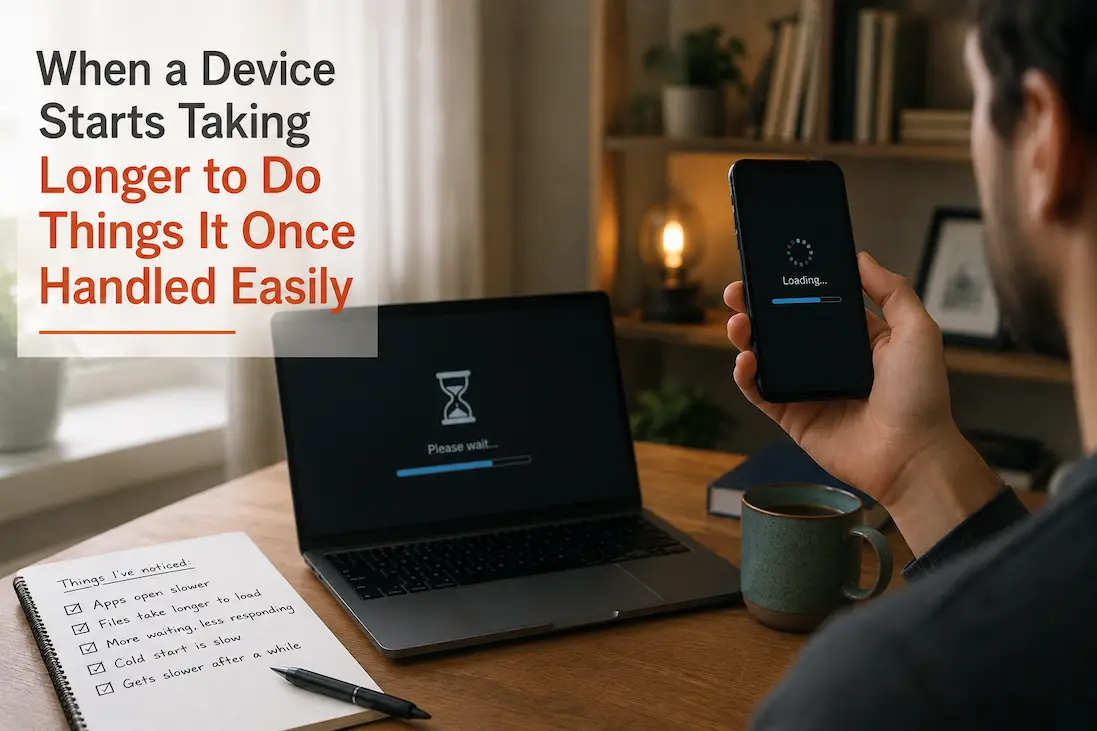
When a Device Starts Taking Longer to Do Things It Once Handled Easily

Unreliable or difficult-to-use devices do not necessarily crash, malfunction, or show obvious defects. A more subtle change is that familiar actions become slower. Applications that used to launch almost instantly now take a few seconds to open. Some files may load more slowly, settings panels might take a few seconds to respond, or actions that … Read more