Keeping Accessibility Settings Consistent Across Devices and Applications

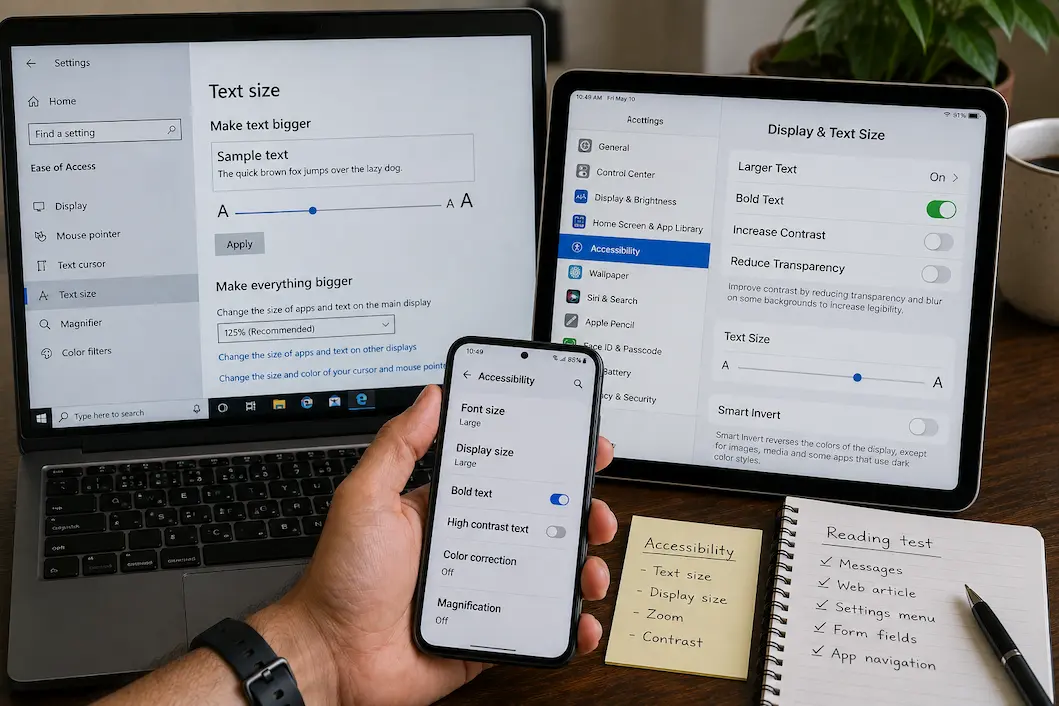
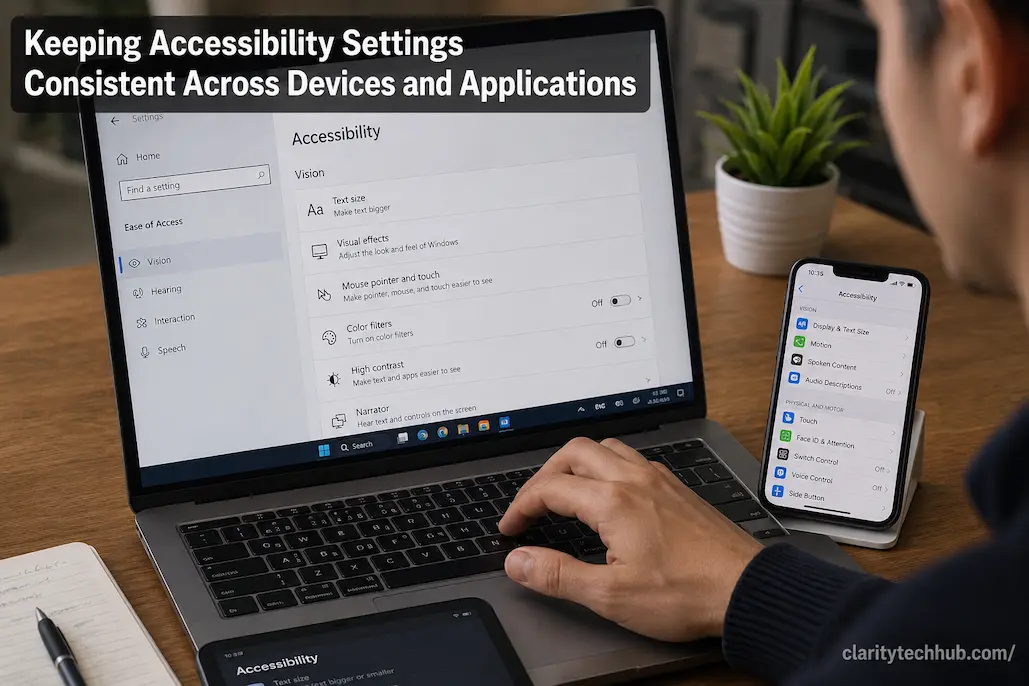
Accessibility settings are useful only when they make everyday technology easier to use consistently. A person may adjust text size, display contrast, pointer behavior, captions, keyboard settings, or touch controls on one device and then discover that another device behaves completely differently. The same problem can appear between applications on the same computer or phone. … Read more

Accessibility Settings That Can Change the Way a Device Responds to You

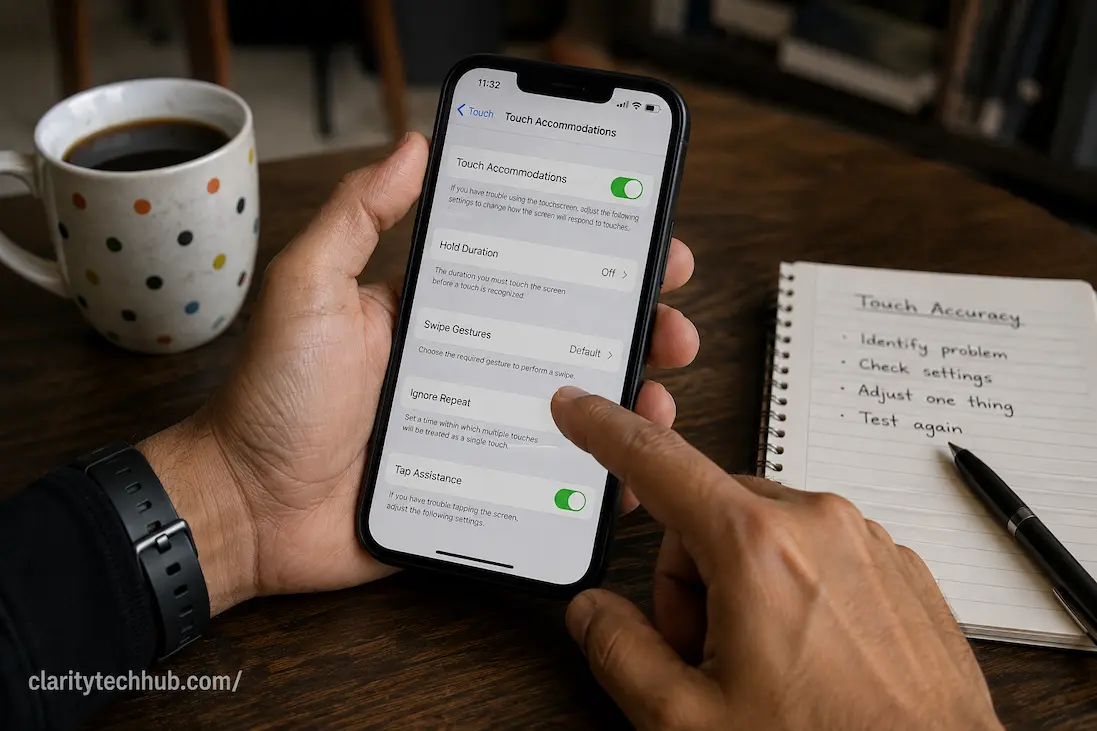
Accessibility settings are often described as tools for people with specific disabilities, but many of them are really controls for how a device responds to the person using it. A phone, tablet, or computer can technically work correctly while still feeling difficult to operate because taps register too easily, gestures require more precision than expected, … Read more

Captions, Transcripts, and Audio Controls: Choosing the Right Option for Different Situations

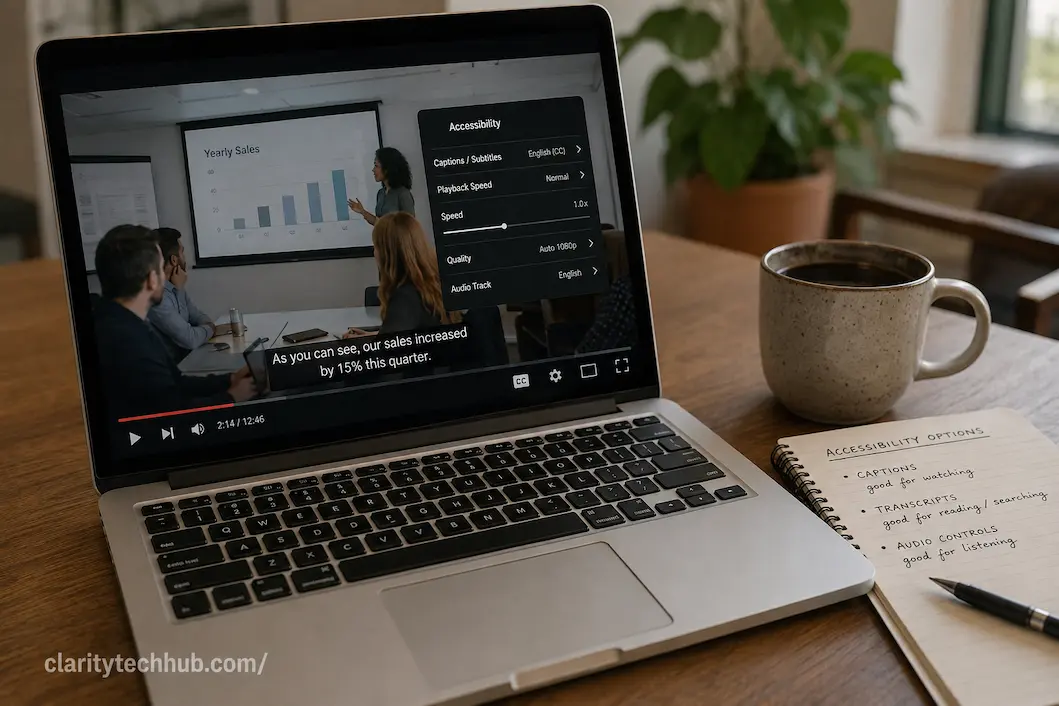
Captions, transcripts, and audio controls can all make digital content easier to follow, but they solve different problems. A person watching a video in a noisy environment may need captions, while someone who cannot listen to audio at all may depend on the same captions throughout the entire recording. A transcript can be more useful … Read more

Keyboard Navigation Problems That Make Websites Difficult to Use

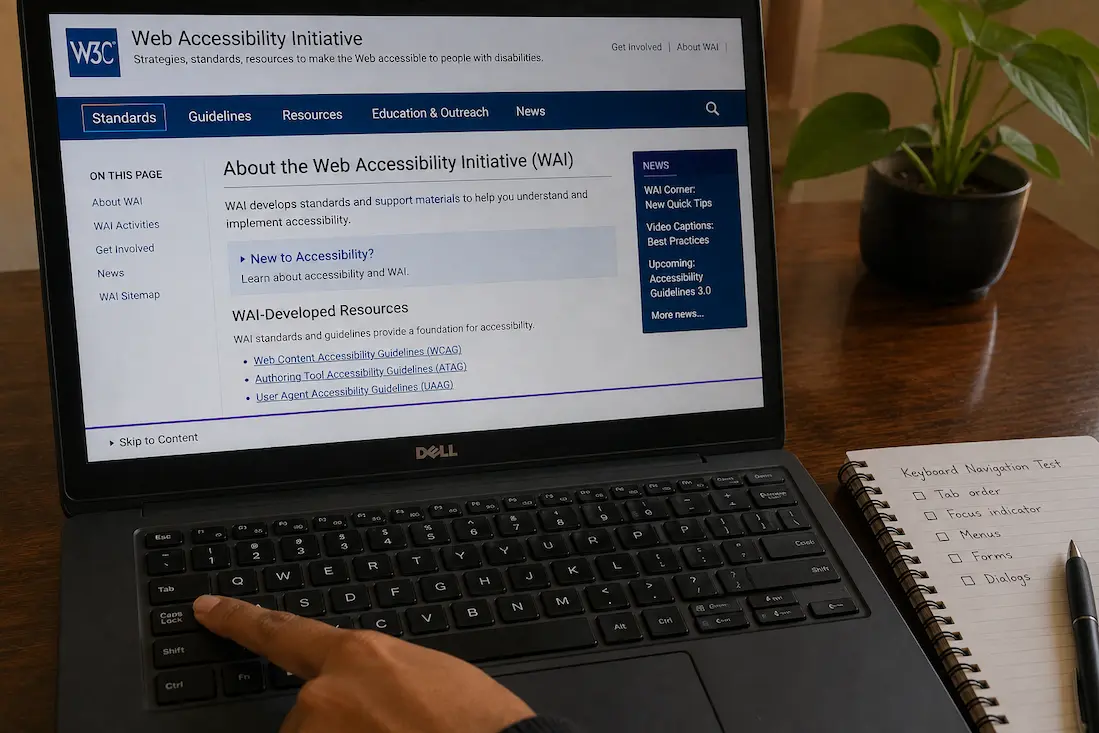
A website can look perfectly normal and still be difficult to use if you cannot reach or operate its controls reliably with a keyboard. This matters not only to people who regularly use a keyboard instead of a mouse, but also to anyone who encounters a broken touchpad, limited mobility, a temporary injury, or a … Read more

Making Everyday Apps Easier to Use With Larger Text and Display Controls

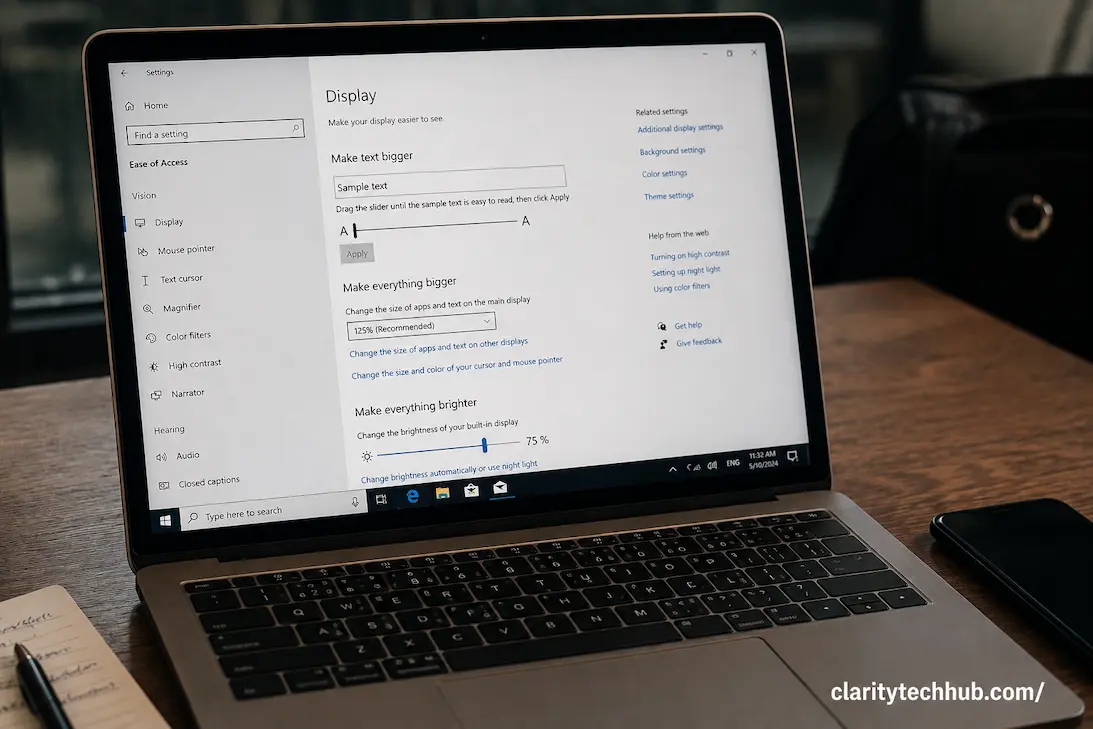
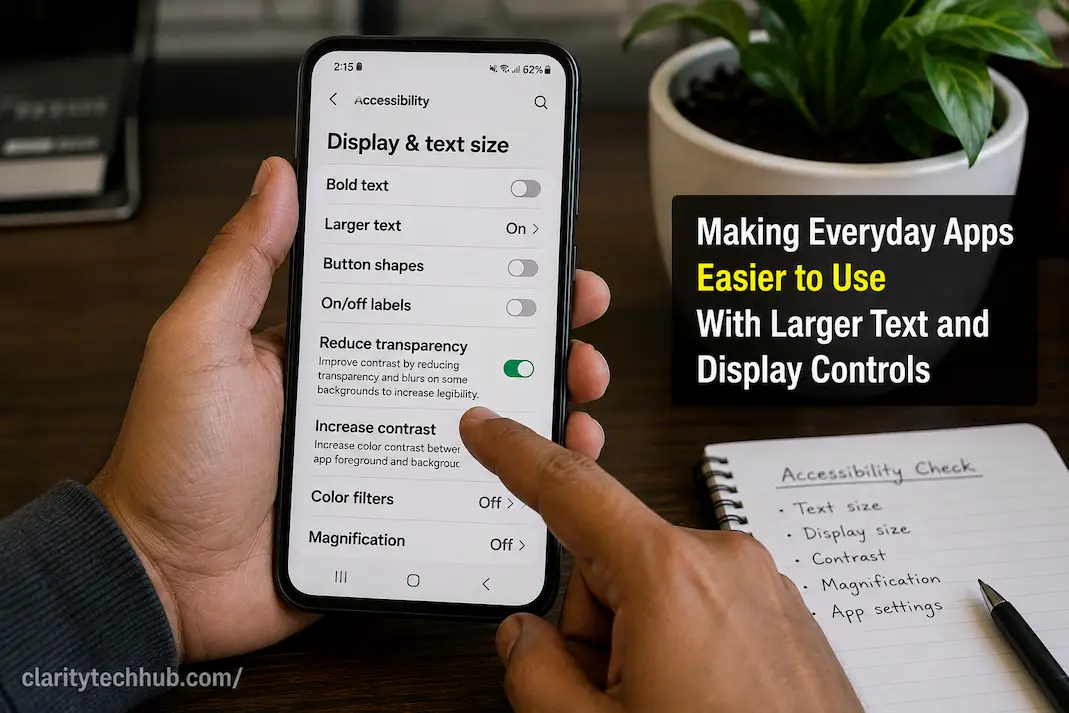
An app can be perfectly functional and still be uncomfortable to use when its text, buttons, menus, and other interface elements are too small. This becomes especially noticeable when reading messages, checking account details, browsing settings, or working through a form for several minutes at a time. Increasing the text size can help, but simply … Read more

Accessibility Problems Caused by Tiny Buttons and Crowded Interfaces

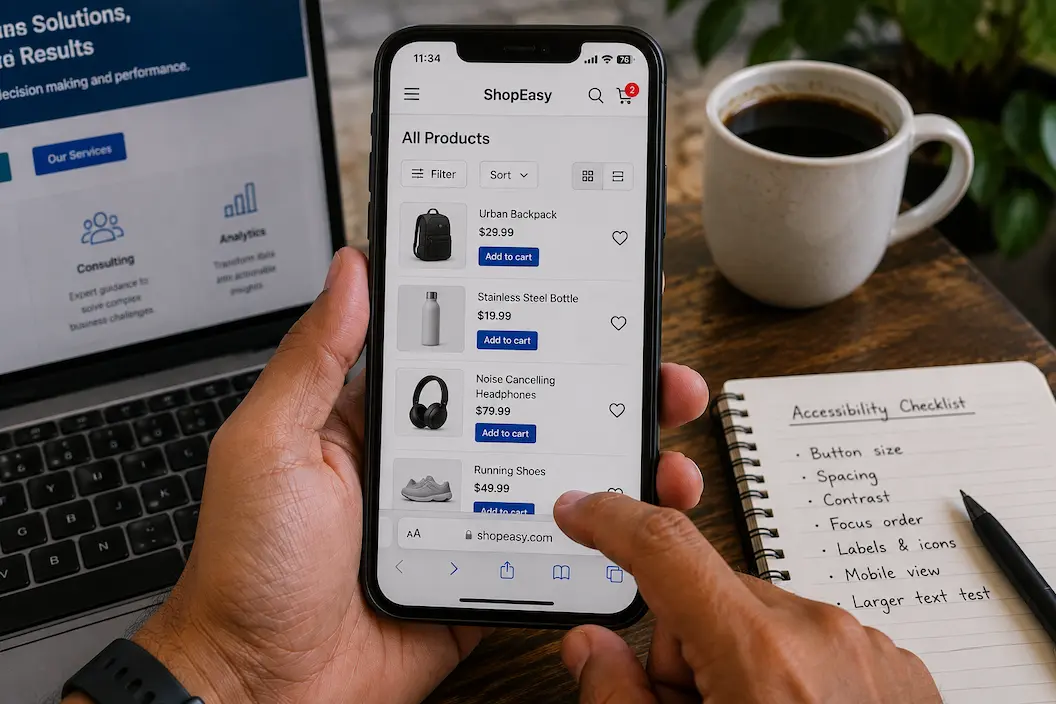
Small buttons and tightly packed controls can make an otherwise functional website, app, or device surprisingly difficult to use. A control may technically be visible and clickable, yet still be frustrating when it requires precise finger movement, careful mouse positioning, or repeated attempts. This becomes especially noticeable on phones and tablets, where there is less … Read more

When Screen Magnification Makes a Display Harder to Use

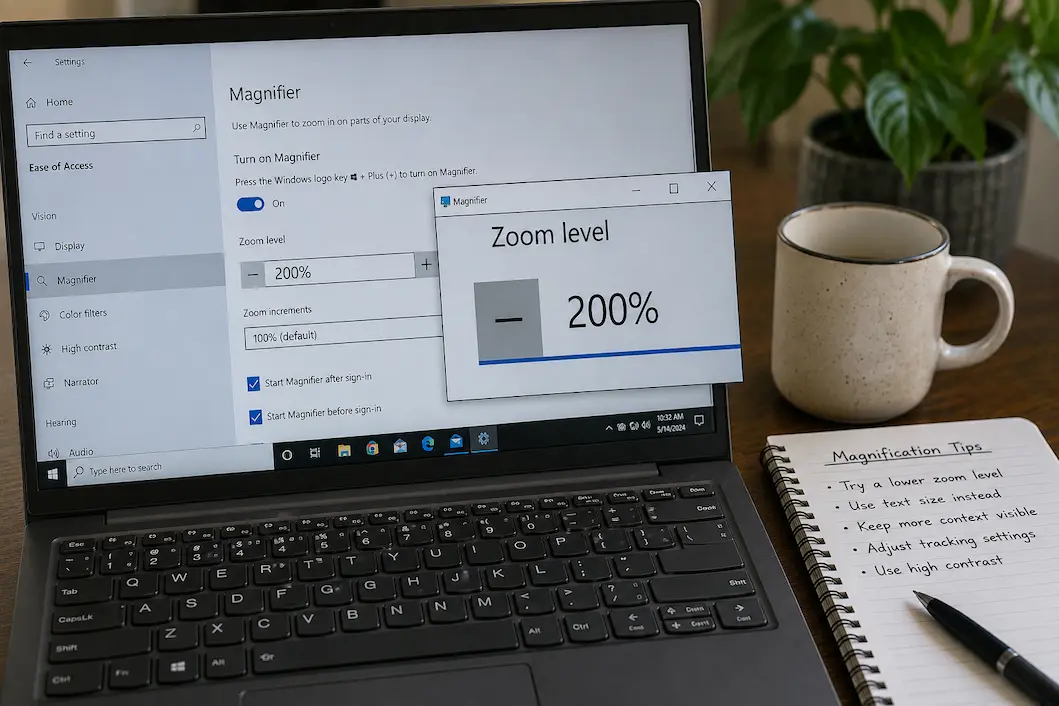
Screen magnification is designed to make small content easier to see, but increasing the magnification level does not always make a device easier to operate. At higher levels, a screen may show only part of a page or application at once, forcing you to move the magnified view repeatedly. Buttons can disappear outside the visible … Read more