How to Check Smartphone Compatibility Before Installing an App

Installing an app usually takes only a few seconds, but discovering that it will not run properly can waste considerably more time. An app may install and immediately crash, refuse to download, display an “incompatible device” message, or work with certain features missing. In other cases, the app store may prevent installation entirely. Checking smartphone … Read more

Keeping Accessibility Settings Consistent Across Devices and Applications

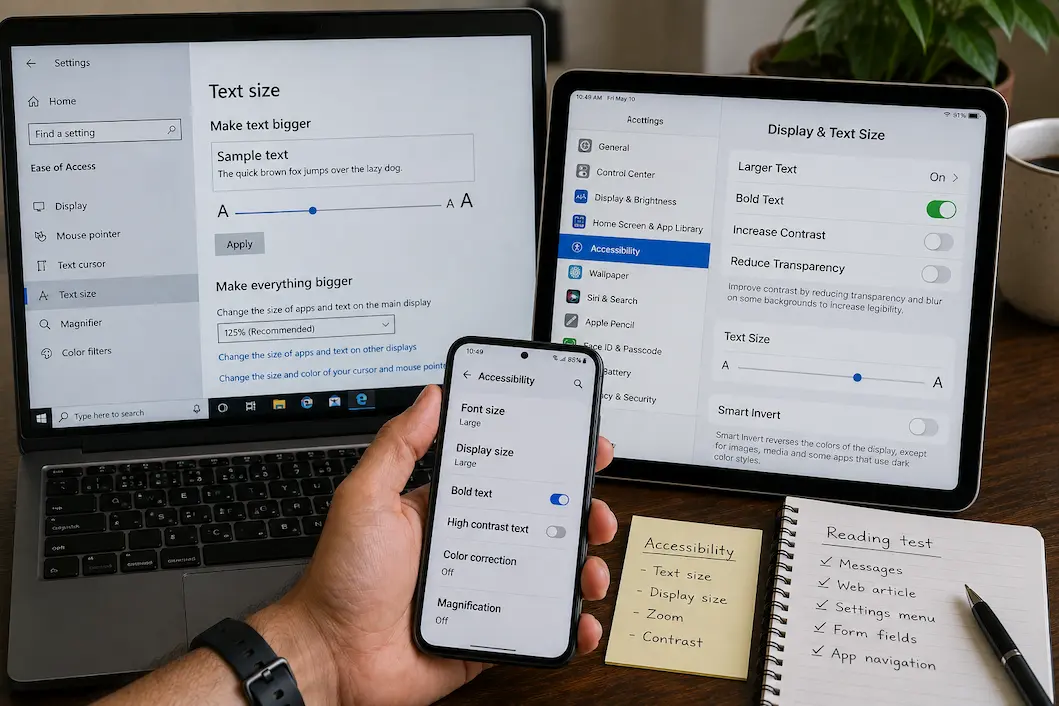
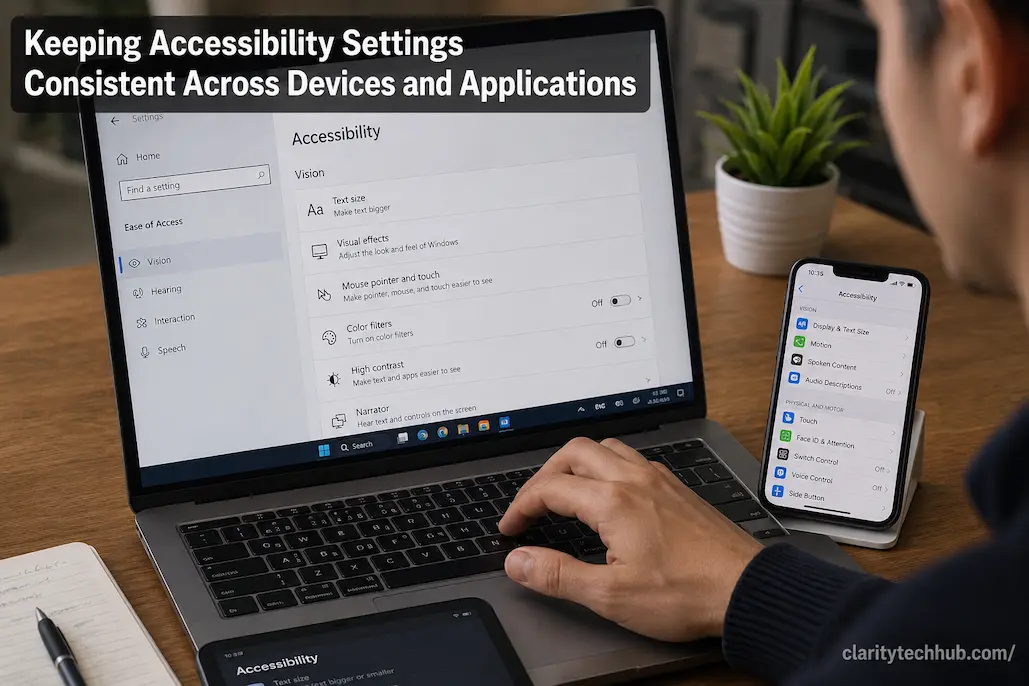
Accessibility settings are useful only when they make everyday technology easier to use consistently. A person may adjust text size, display contrast, pointer behavior, captions, keyboard settings, or touch controls on one device and then discover that another device behaves completely differently. The same problem can appear between applications on the same computer or phone. … Read more

How to Plan Your Home Technology Before Buying Anything

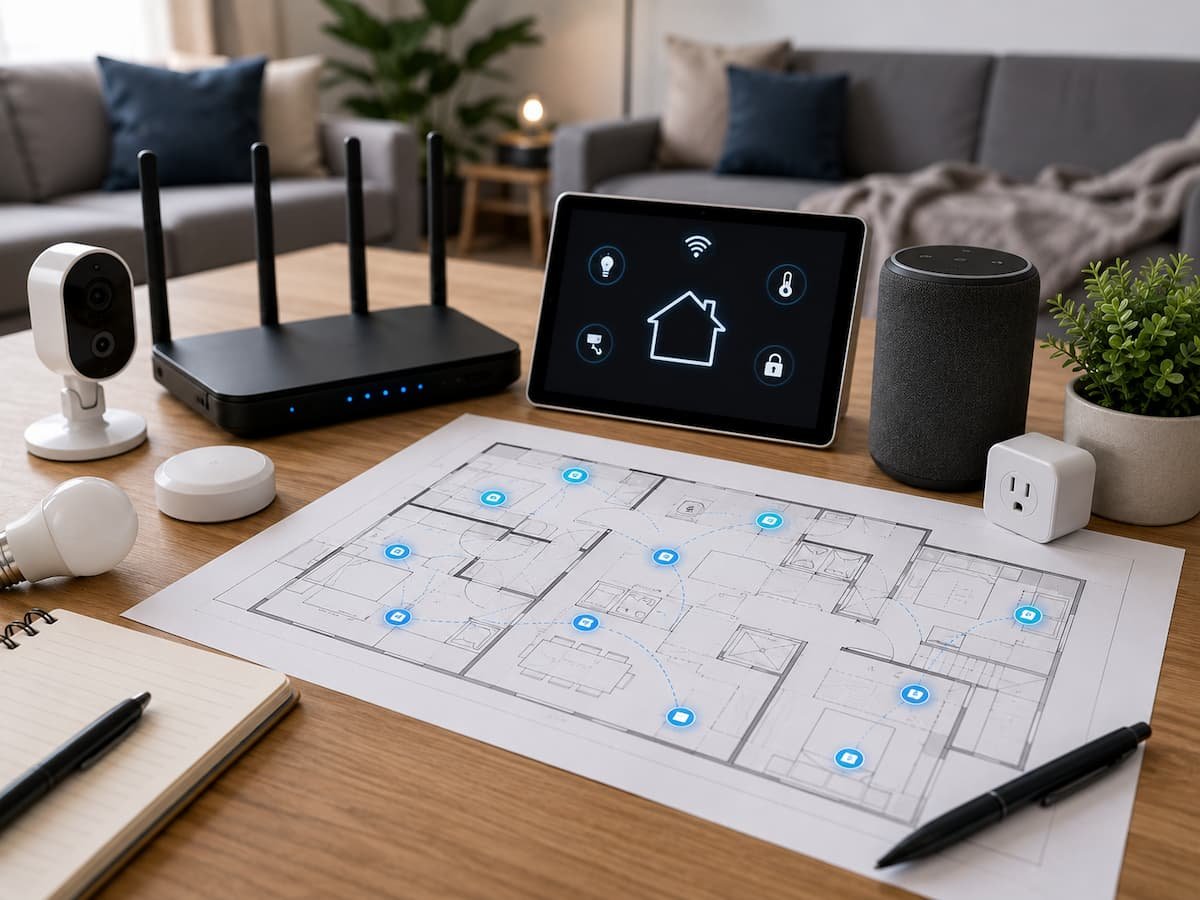
Before buying a smart speaker, security camera, streaming device, smart thermostat, mesh Wi-Fi system, or connected appliance, it is easy to focus on features and overlook how they fit into your overall home technology setup. A device may look impressive on its own but become frustrating if it does not work with your existing network, … Read more

When a Device Is Still Usable but No Longer Reliable Enough

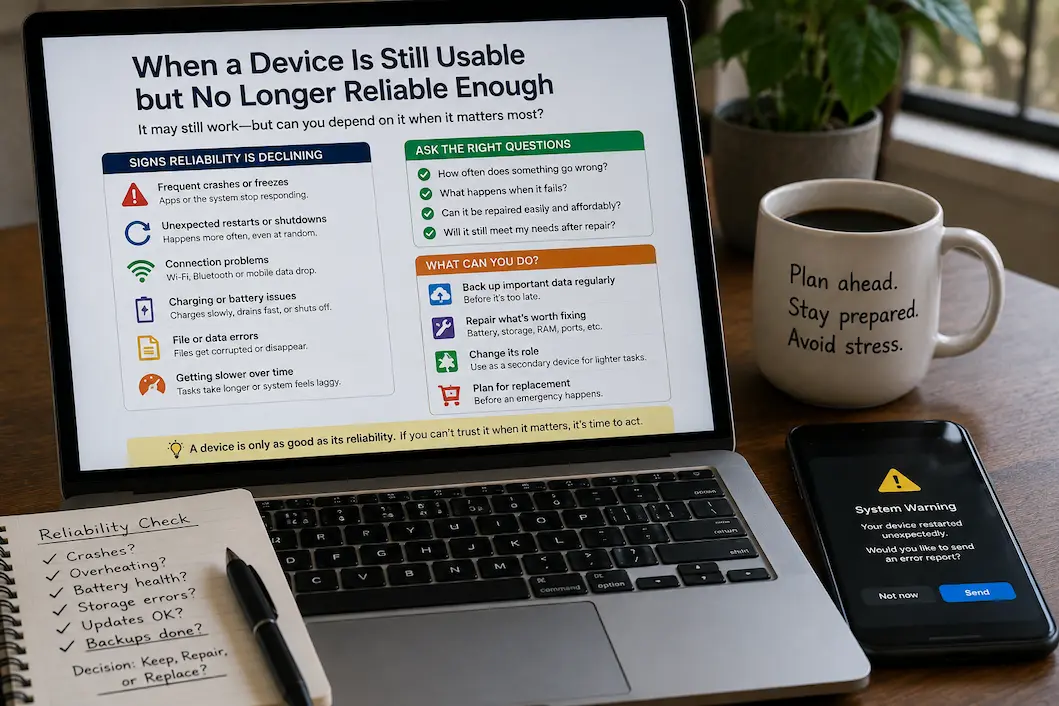
Even as a device becomes increasingly unreliable, it can still function. An old laptop can still open your files, an old mobile phone can still make calls, and an old tablet can still run the apps you use daily. But if a device freezes without warning, loses its connection, shuts down unexpectedly, or fails to … Read more

When Storage Problems Keep Returning After Routine Cleanup

Running out of storage once is easy enough to understand. You remove some old videos, uninstall a few applications, empty the trash, and the warning disappears. The frustrating situation is when the same problem keeps returning. A device may have plenty of free space immediately after cleanup, only for that space to disappear again days … Read more

The Hidden Infrastructure Behind a Modern Connected Home

A modern connected home can look deceptively simple from the outside. You might see a smart thermostat adjusting the temperature, lights responding to an app, a television streaming content, or a security camera sending an alert to your phone. What you do not see is the infrastructure making all of those actions possible. Behind the … Read more

How to Set Up a Computer That Multiple People Can Use Safely and Easily

A computer that more than one person uses can quickly become confusing if someone does not set it up properly. Family members may save files in different places; browsers can be filled with someone else’s bookmarks; passwords may remain signed in; and one person can accidentally change settings that affect everyone. In homes, schools, small … Read more

What Happens When a Device Falls Behind on Software Updates

A device can continue working normally even after it starts missing software updates. Apps may still open, websites may still load, and the operating system may look almost the same as it did before. That can make an outdated device seem perfectly fine, especially when there are no obvious error messages or performance problems. The … Read more

Where to Run Ethernet Cables in a New or Existing Home

If your home Wi-Fi connection is strong, installing Ethernet cables might not seem like an immediate priority. However, the situation often changes as the number of devices grows. A home office may need a dedicated network connection for video conferencing, a TV may need to stream HD video for hours, and a ceiling-mounted Wi-Fi access … Read more