
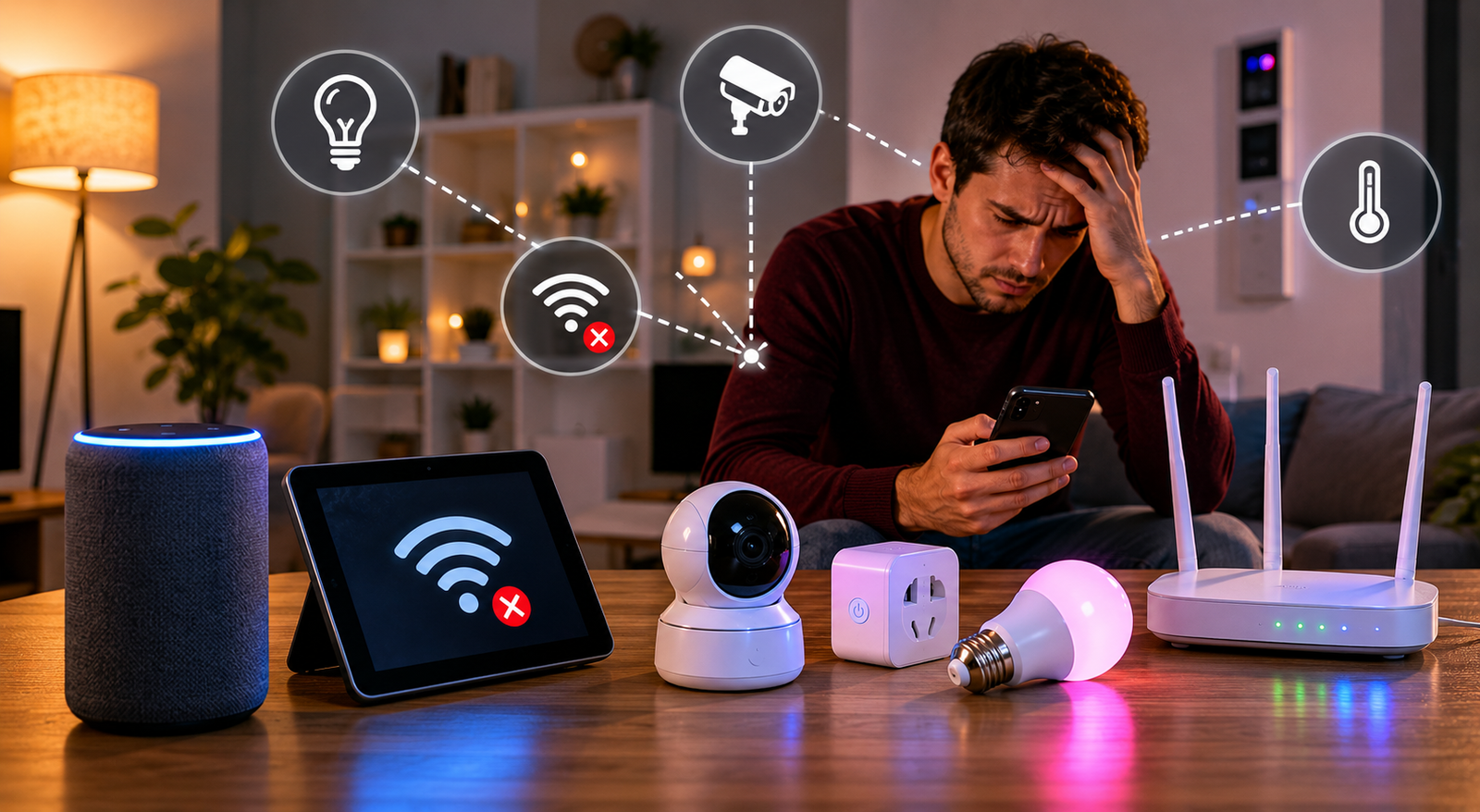
When I think of smart homes, I picture the following: I walk in with bags full of groceries, say softly, “Turn on the lights!” and all the lights turn on automatically. The thermostat knows my desired temperature when I get home from work; the smart speaker plays my favourite songs, and the whole house seems to work automatically. This is exactly what initially attracted me to smart home technology: convenience, comfort, and even a touch of magic.
But if you are like me, the first few months with a smart home might not have gone as smoothly as the commercials portrayed. Hello everyone, I am Robert, and my enthusiasm for automation quickly turned into experimentation, troubleshooting, and a whole lot of frustration. My house was far from easy; it seemed more like a failed scientific experiment, full of problems. From a messed-up Wi-Fi connection to chaos between family members, I encountered almost every conceivable challenge in setting up a smart home. If you are planning to design your own smart home, or if you are currently struggling to understand why smart homes have become so complex, reading about my mistakes—and the lessons I learned—can help you avoid many problems.
Mistake 1: Assuming My Wi-Fi Could Handle Everything
My first mistake was seriously underestimating the load that even just a few smart devices could put on my Wi-Fi network. When I signed up for an internet plan, I received a standard modem/router combination, the type the provider supplies by default. It worked fine for watching TV and browsing the internet on a few phones. Later, I installed a security camera that turns on automatically, smart lights in almost every room, a video doorbell, various sensors, and an increasingly addictive smart speaker. My once-stable internet connection immediately turned into Wi-Fi chaos.
At worst, video calls were impossible, smart lights lost their internet connection, and I constantly heard notifications like “device disconnected”. I hadn’t realised that almost all cheap smart devices were hogging the busy 2.4 GHz Wi-Fi band, and the more devices there were, the busier this “channel” became, just like being stuck in rush hour in a city designed for cycling. Interference between devices caused network congestion and interruptions.
After countless nights of restarting the router and cursing the flashing indicator lights, I finally did what I should have done much earlier: I bought a mesh Wi-Fi system. By placing a few small routers around the house, I have a stable internet connection in every room via the mesh network. I also learned how to allocate Wi-Fi bands by putting all my smart devices in the house on the 2.4 GHz band and reserving the more powerful 5 GHz band for my laptop and streaming media. Since then, my nights have been a lot quieter, both in the real world and online.
Mistake 2: Mixing Too Many Ecosystems
For beginners in the world of smart homes, it is important to remember that purchasing smart home products is often based on discounts rather than compatibility, hence the low prices and ease of use. I started with an Amazon Alexa speaker, then a Google Nest thermostat; added some Apple HomeKit connections; and eventually gathered some scattered information online and bought a few standard products from Chinese brands. My attempt to build a “smart home” quickly turned into a Tower of Babel: all the devices were incompatible. If I wanted to lock the door, turn off the lights, or turn down the thermostat, I had to switch between three or four different apps, and these apps simply didn’t work together. The voice assistant also ignored some commands. Not to mention integrating various automation functions. My smart home felt less like a time-saving tool and more like a side job.
The solution? I chose one ecosystem as my “native language”. .” you choose Amazon Alexa, Google Home, Apple HomeKit, or a system like SmartThings, make sure that all key devices use the same system. When I buy new things now, I first check if they are “Alexa compatible” or “Matter compatible” to avoid incompatible products. Most major companies use the new “Matter” standard for device compatibility, finally making it possible to build a simplified, straightforward configuration solution.
Mistake 3: Filling Every Socket with Smart Bulbs
Smart bulbs are often the entry-level model for smart homes. You install them in standard bulb sockets, and they promise customisable colours, adjustable brightness, and voice control. I also jumped on the smart bulb hype and filled my house with them. The problem? My family still uses standard light switches, and as soon as you turn the switch off, the “smart” bulbs turn off completely and just become a (very expensive) standard bulb again that no longer responds.
Even worse, my carefully configured voice controls and automations all failed when the power went out. I tried to keep the switches in the “on” position with tape (which looked terrible) and told family and guests not to use the physical switches. The result was predictable.
Eventually, I found a better solution: smart wall switches. These replace traditional wall switches and ensure the lights are always powered, allowing you to control the lighting with your voice or an app, while the other rooms in the house still have physical switches. Since I made this change, my automations work reliably, and my family can control the lighting just like before, without the hassle of explaining or ugly tape.
Mistake 4: Skipping Security Basics
I was too enthusiastic about connecting everything to the internet and, unwisely enough, treated smart devices in the house like toys. I installed indoor cameras, smart locks, and even a smart baby monitor, all with default passwords, without considering the risks. It is great to be able to view camera footage anytime, anywhere… until I heard a news report about someone exploiting vulnerabilities to spy on people using smart cameras.
I learnt the hard way that smart devices are essentially computers with microphones and cameras and are connected to the outside world (usually 24/7). If hackers can hack a weakly secured device, they can target more important devices, such as laptops and home servers. Cheap smart devices often lack firmware updates and strong encryption, making them vulnerable to hacking.
Security of smart devices in the home has always been a priority for me. To protect my family and data, I have enabled two-factor authentication everywhere, replaced all default passwords with unique, complex passwords, and used a password manager. Finally, I created a separate guest Wi-Fi network for my smart devices. This prevents them from accessing my work files and systems, thereby patching a significant security vulnerability.
Mistake 5: Automating for Automation’s Sake
Once I knew how to create programs and automate processes, I went too far. I use all available features. I installed motion sensors that automatically turn on the lights when someone walks through the bathroom or enters the kitchen, which sometimes startles us in the middle of the night. My smart assistant loudly announces the weather or the news as soon as the front door opens, which irritates everyone, especially the dog.
The most important lesson is ‘smart’ does not mean ‘complicated’. The best habits are silent assistance, not noisy technological reminders. I took a step back and simplified everything. Now, part of the automation makes life easier, such as automatically turning on the outdoor lighting at dusk or automatically adjusting the thermostat before bedtime. When my smart home works really well, everyone is happier and the “technological stress” disappears.
What I’d Do Differently—And What You Can Learn
In hindsight, my biggest concern was the planning. The future of smart homes indeed looks bright, but only if you lay a solid foundation: a strong network, an integrated ecosystem, and a clear security plan. Now, my home feels futuristic without being overly extravagant. Devices work together seamlessly. My habits save me time and energy instead of creating chaos. My family genuinely enjoys these changes (instead of complaining that technology is getting out of hand). That is the most important thing.
If you are designing your own smart home, start by evaluating your Wi-Fi connection, choosing a central voice or automation platform, and considering how each new device will integrate into your daily life. Don’t be tempted by electronics advertisements. Take your time. Test, test, and test again. Focus on the devices you will actually use in your home.
FAQs
Will having too many smart devices slow down my internet speed?
Yes, standard routers can become overloaded. If you have more than a few devices, consider switching to a mesh Wi-Fi system.
Is it bad to use devices from different brands in my smart home?
If they support the same ecosystem (such as Alexa or HomeKit) or have the “Matter” logo, then that is fine. Otherwise, it creates information islands and makes the system harder to manage.
Will my devices still work if my network goes down?
Main automation features may not work properly, especially those that rely on the cloud, but smart wall switches and some smart home hubs can still perform basic operations locally.
How can I secure my smart home?
Change all default passwords. Enable two-factor authentication. Update the device firmware. Set up a guest network, separate from your PC.
How can I make my automations more functional and less annoying?
Start with the basics. Automate functions that actually solve problems. For example, you can adjust the lighting to sunlight or set the thermostat to a timer. Do discuss these issues with your family members beforehand.
The Takeaway
Building a smart home was much harder than I had thought, but also much more satisfying. I had to revise my approach to technology, learn diligently and make adjustments along the way. With patience and a willingness to start small, your smart home can truly make daily life easier, offer more enjoyment, and provide you peace of mind. Remember: let your needs, not the devices themselves, guide your direction.
—Robert

Robert Jones is the founder and primary contributor at ClarityTechHub. He focuses on researching modern technologies, digital systems, cybersecurity, and sustainable innovation, presenting complex topics in a clear and structured way. His work emphasizes accuracy, neutrality, and accessibility, without offering advice or recommendations. All content is strictly informational and educational, designed to help readers better understand how technology functions in real-world environments.