How to Tell Whether a Performance Problem Is Temporary or Getting Worse

Occasional device slowdowns do not necessarily indicate a problem. Background updates, temporary storage activity, resource-intensive programs, overheating, or the execution of particularly demanding tasks can all cause a computer or phone to slow down temporarily before returning to normal operation. The more important question is what happens next. If the phone resumes normal responsiveness, the … Read more

How to Move From an Old Computer to a New One Without the Chaos

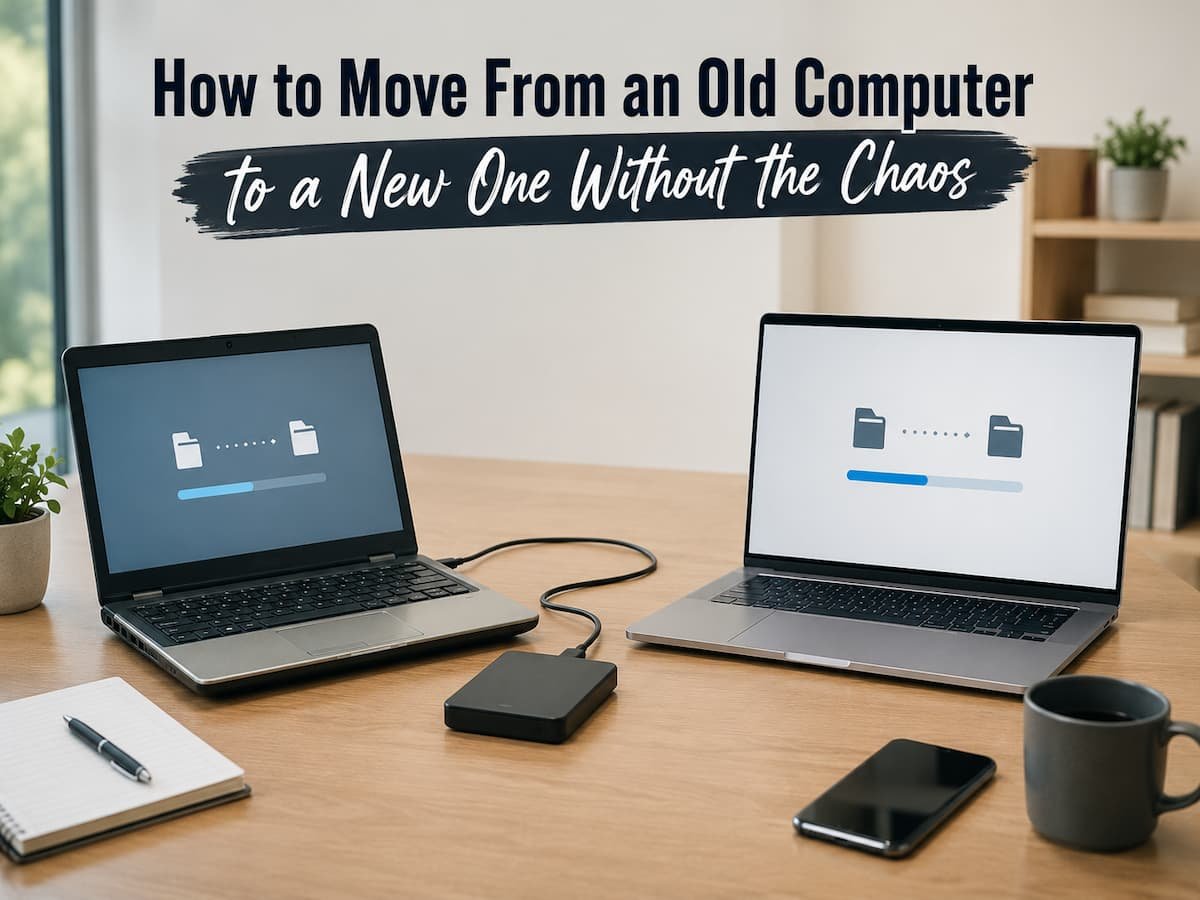
Replacing an old computer should not require rebuilding years of digital work from memory. Yet that is exactly how the process can feel when files are scattered across folders, applications have been installed over several years, passwords are saved in different places, and nobody is entirely sure which information actually lives on the computer. The … Read more

Why Some Apps Work on One Device but Not Another

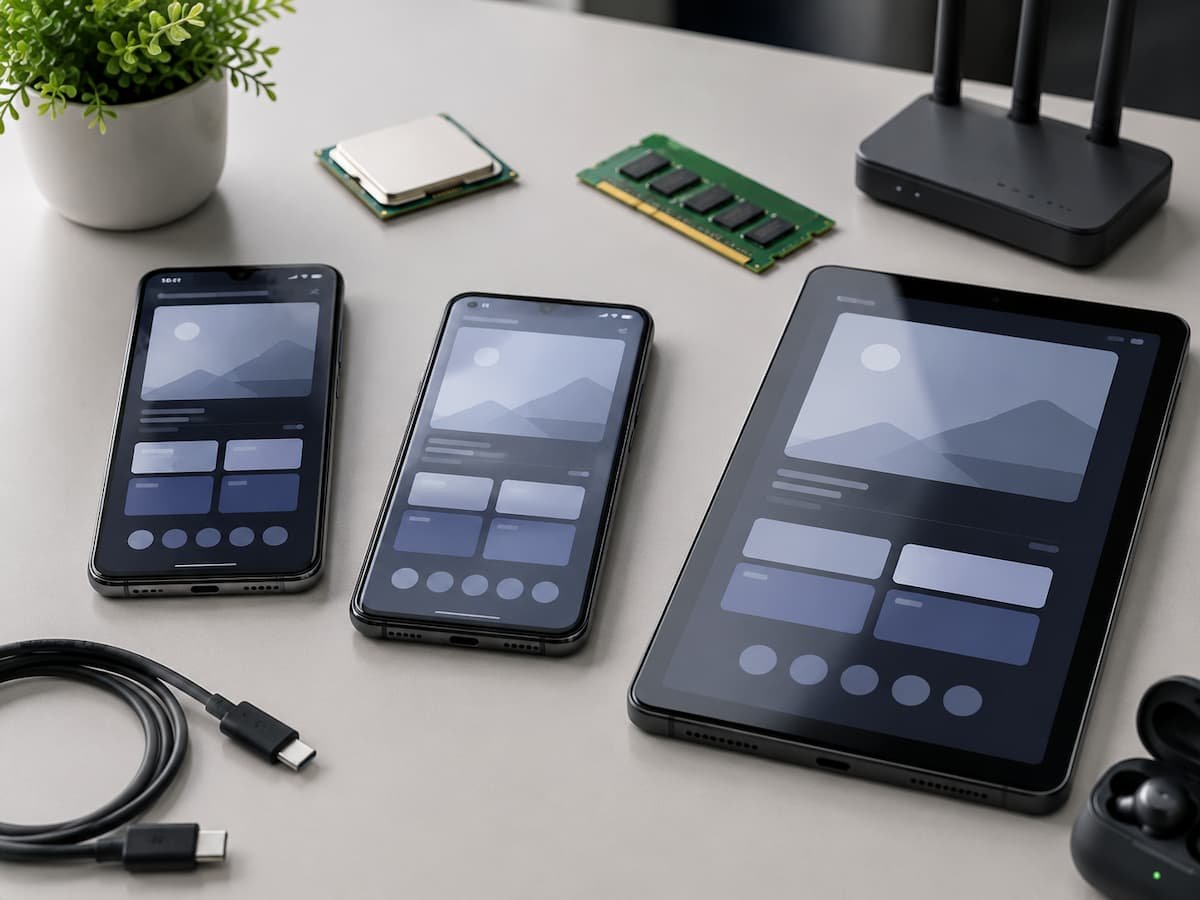
One thing rarely determines app compatibility. Developers have to account for the operating system, processor architecture, available memory, screen characteristics, hardware features, security requirements, and occasionally the region or type of device being used. Two phones can run the same operating system while using entirely different internal hardware. A tablet and phone may also share … Read more

When a Device Starts Taking Longer to Do Things It Once Handled Easily

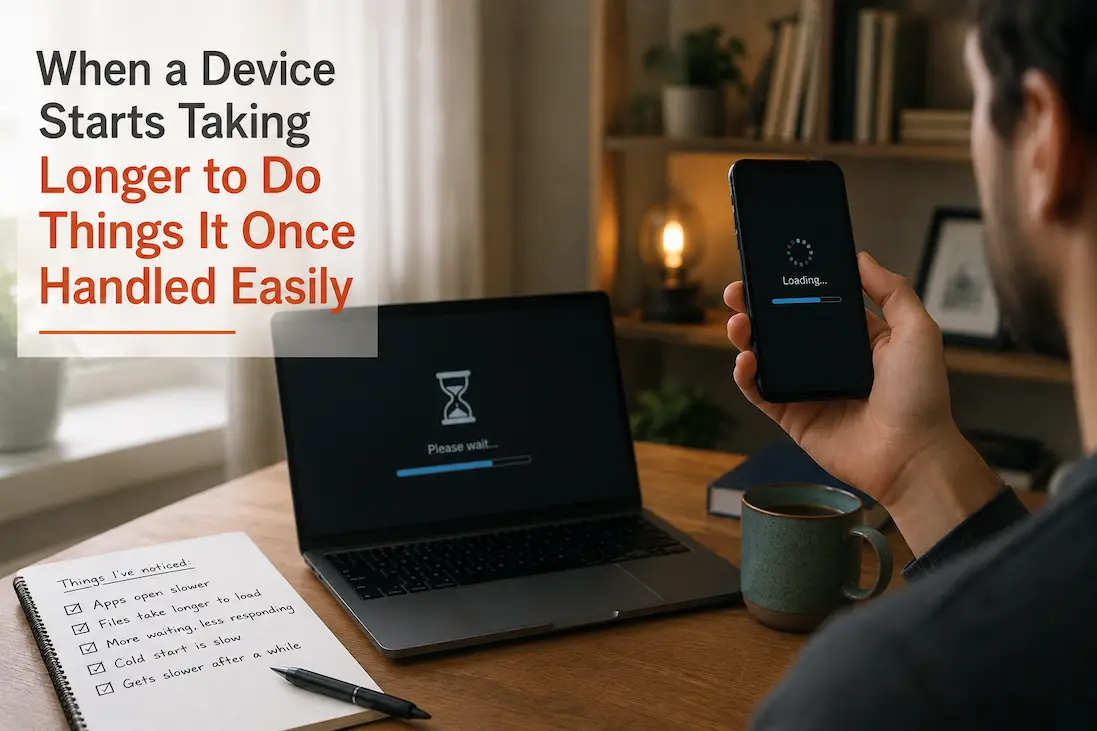
Unreliable or difficult-to-use devices do not necessarily crash, malfunction, or show obvious defects. A more subtle change is that familiar actions become slower. Applications that used to launch almost instantly now take a few seconds to open. Some files may load more slowly, settings panels might take a few seconds to respond, or actions that … Read more

How to Prepare Your Home Technology for Power and Equipment Failures

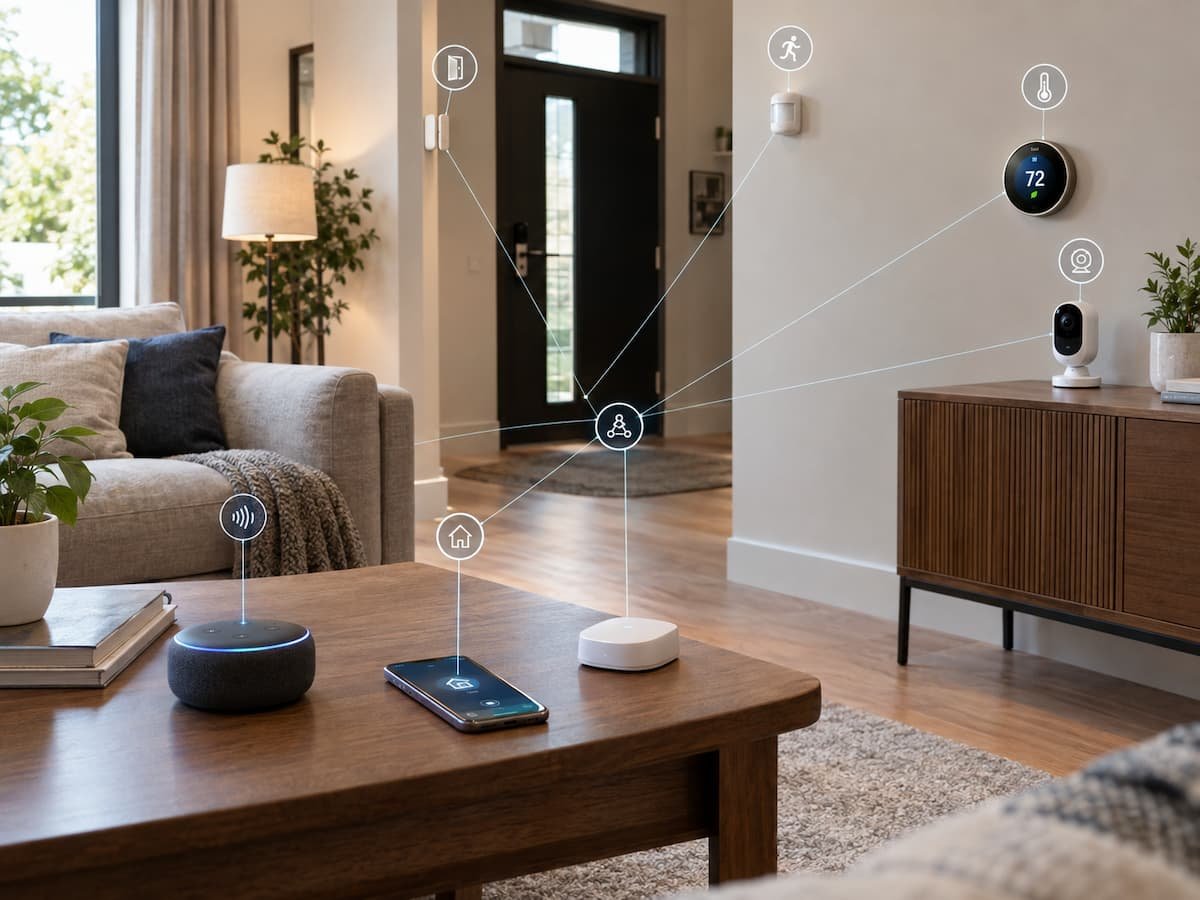
A connected home can become surprisingly dependent on a handful of small devices. The router keeps internet access available; the Wi-Fi system connects everything else; phones provide communication; smart locks may control entry; cameras monitor the property; and computers hold documents that may be difficult to replace. Then the power goes out. Suddenly, the problem … Read more

When Screen Magnification Makes a Display Harder to Use

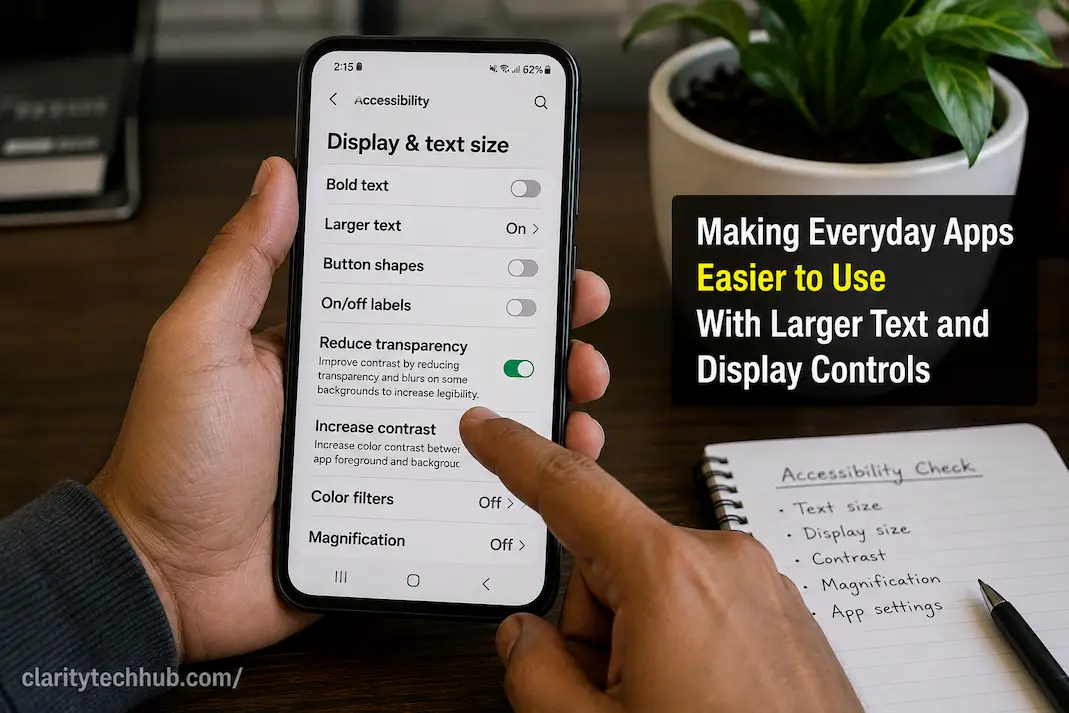
Screen magnification is designed to make small content easier to see, but increasing the magnification level does not always make a device easier to operate. At higher levels, a screen may show only part of a page or application at once, forcing you to move the magnified view repeatedly. Buttons can disappear outside the visible … Read more

How to Plan a Technology Setup Before You Start Connecting Devices

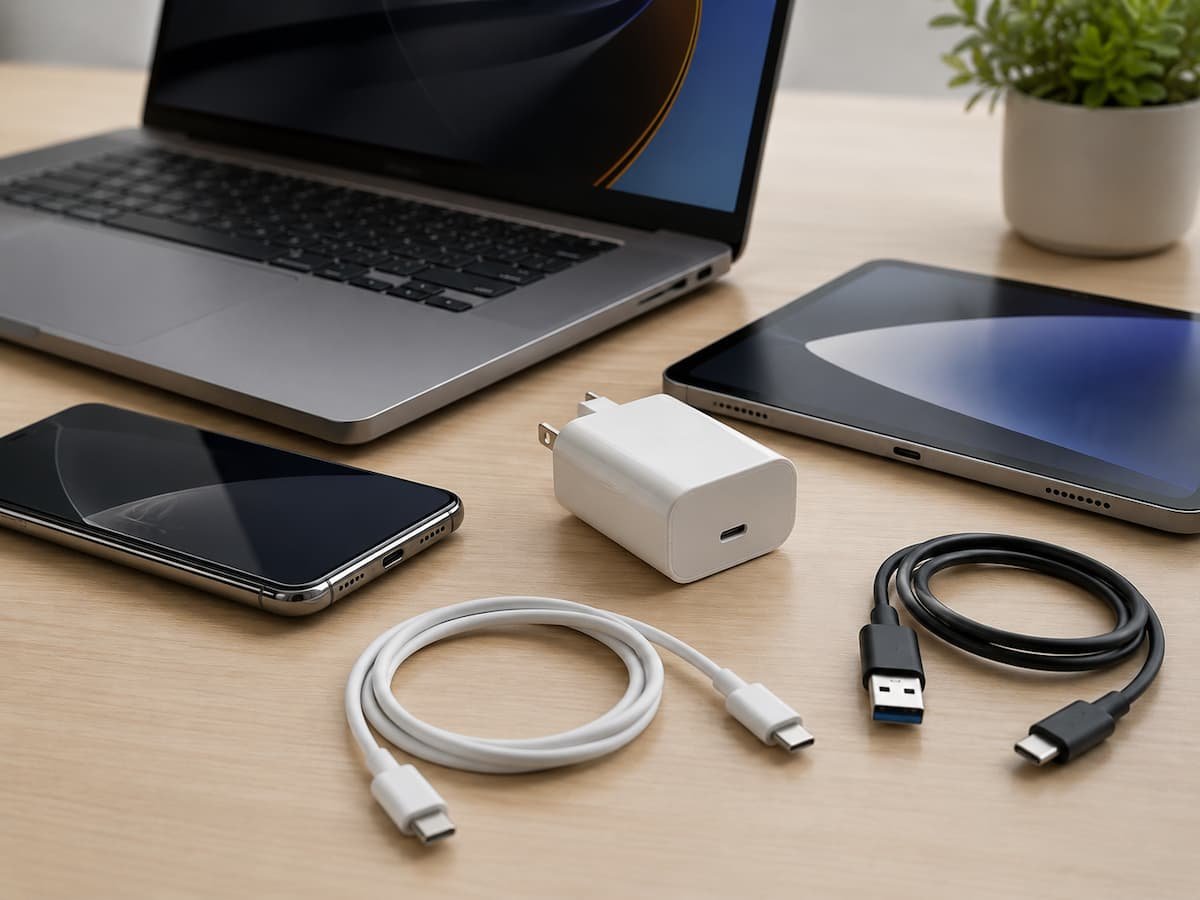
A technology setup can become complicated surprisingly quickly. One device connects to another, an app is required to control both, a hub is added to solve a compatibility problem, and suddenly a simple idea has turned into a collection of chargers, adapters, subscriptions, passwords, and devices that do not work together as expected. The problem … Read more

How to Give Guests Internet Access Without Exposing Your Home Network

When someone visits your home and asks for the Wi-Fi password, the easiest response is often to give them the same credentials used by everyone in the household. It works, but it also creates an unnecessary security problem: the guest is now connected to the same network as your computers, phones, printers, smart-home equipment, storage … Read more