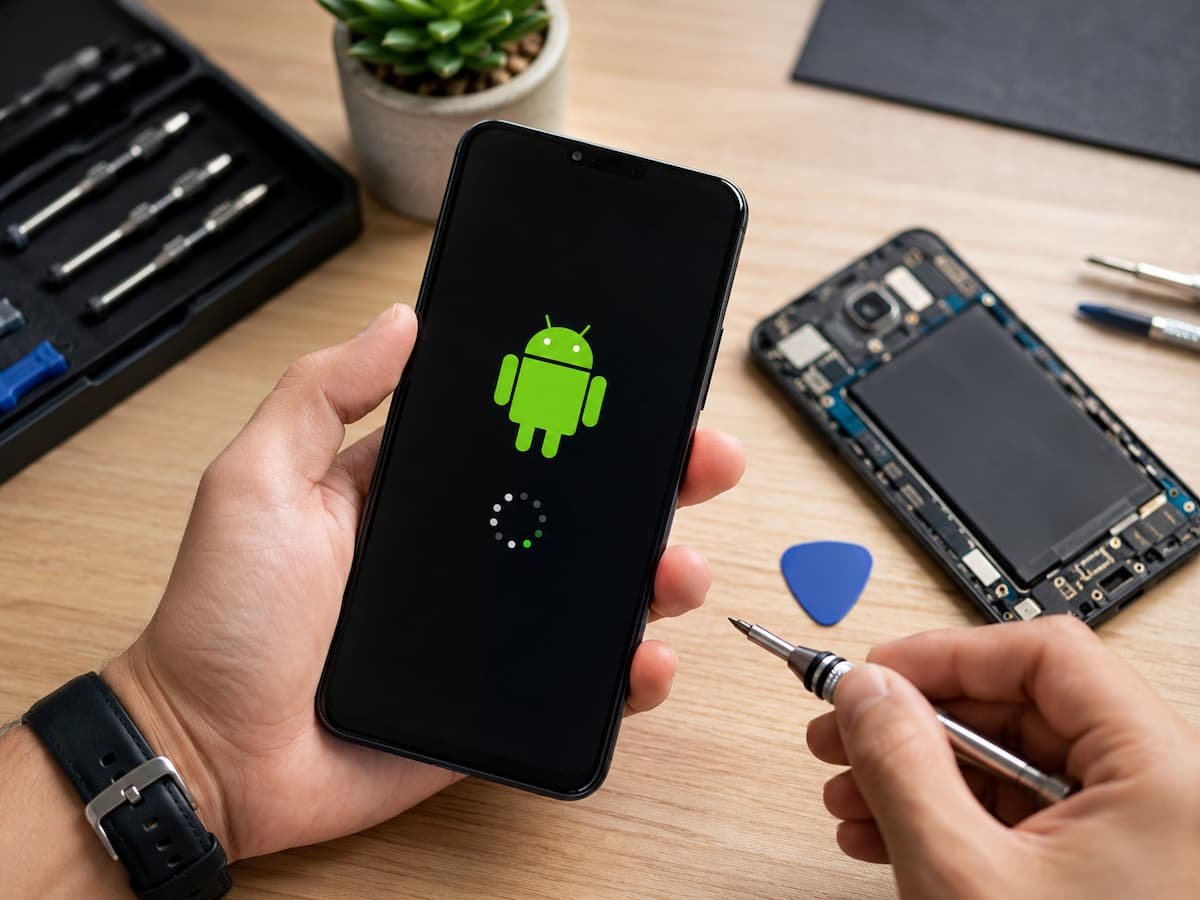
How to Fix Common Android Device Compatibility Issues

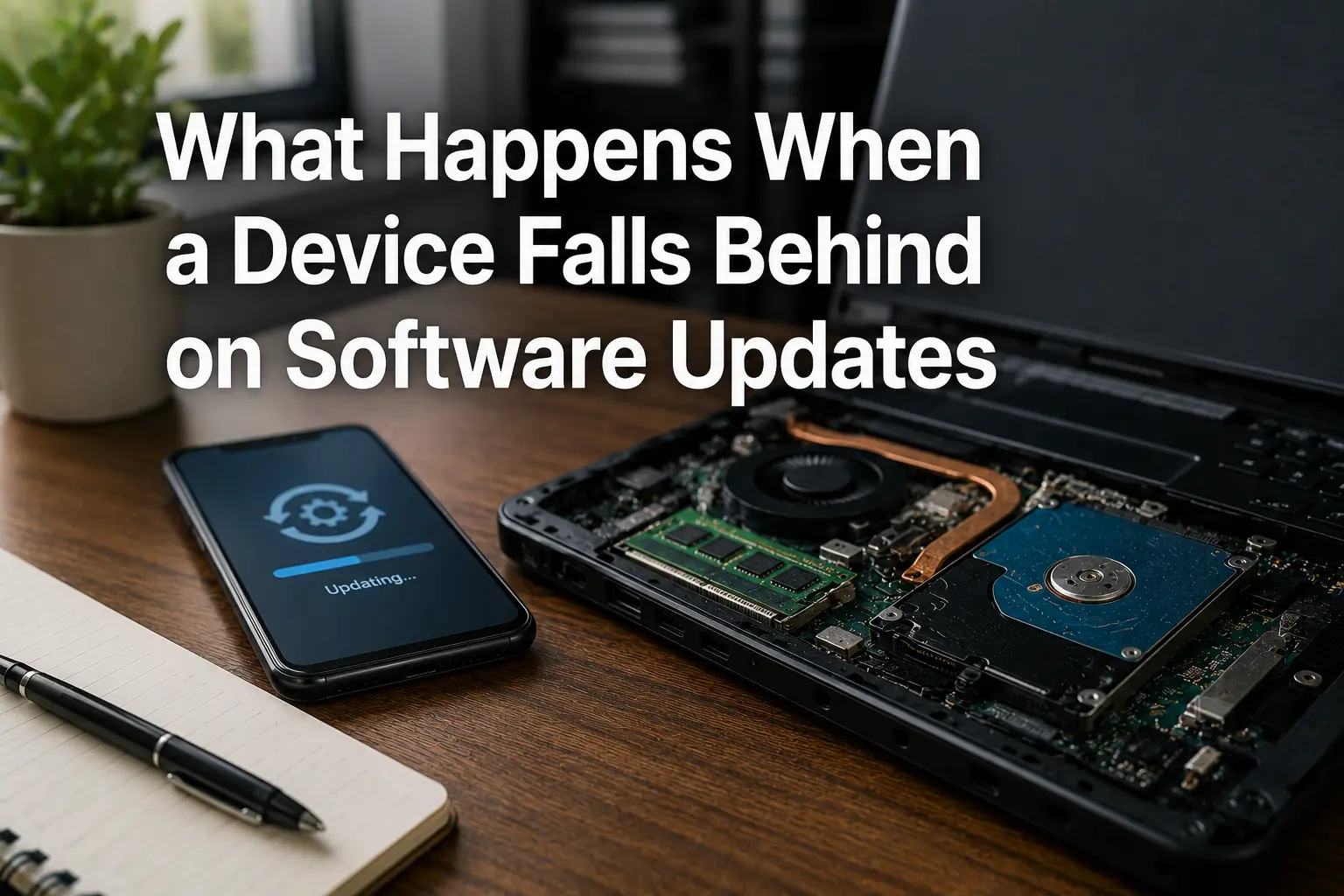
Seeing a message such as “Your device isn’t compatible with this version” can be frustrating, especially when the same app appears to work perfectly on another Android phone. The problem is not always that your device is old or defective. Android compatibility depends on a combination of software, hardware, device certification, processor support, available features, … Read more

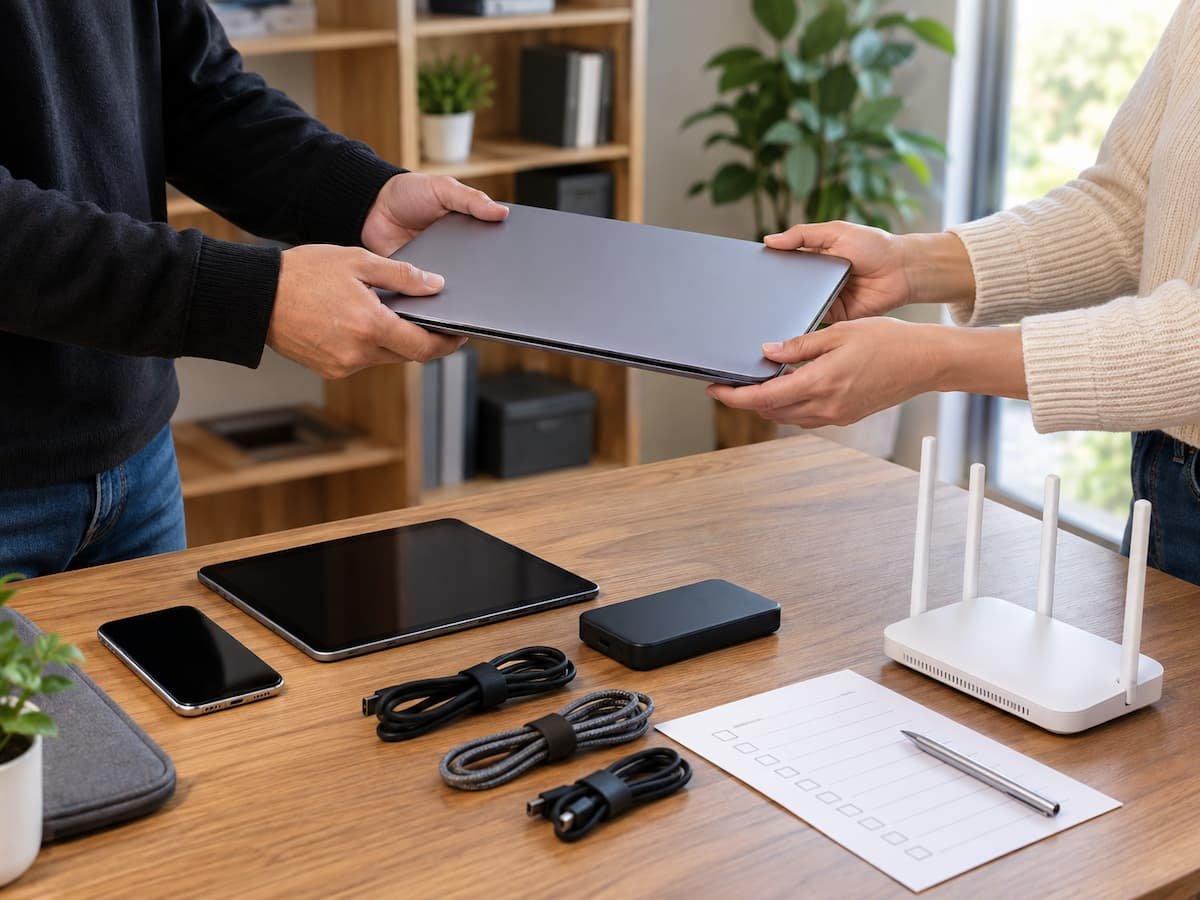
How to Hand a Technology Setup Over to Someone Else

Setting up technology is only part of the job. Eventually, someone else may need to take over. You might be handing a computer to a family member, transferring responsibility for a smart home, leaving a job, helping an older relative manage a new device, or passing a small business system to another employee. The technology … Read more

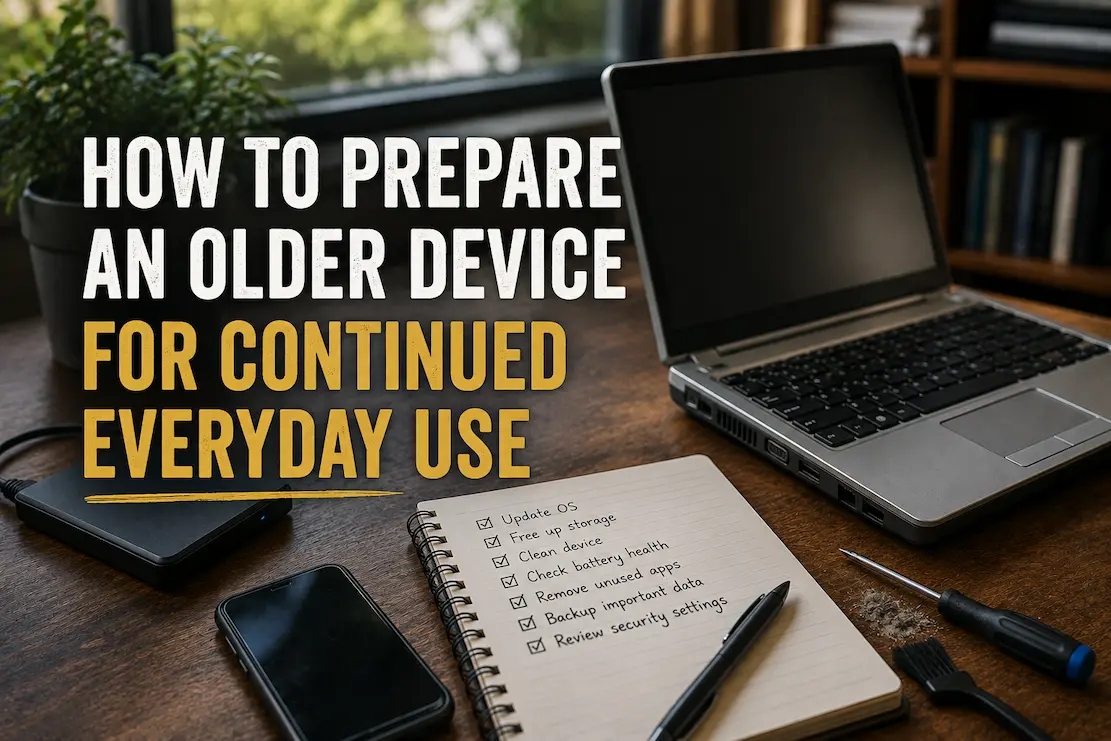
How to Prepare an Older Device for Continued Everyday Use

An older phone or computer does not automatically become unusable just because newer models are faster. In many cases, a device can remain perfectly practical for everyday tasks if its storage, software, battery, security, and physical condition are kept under control. The important part is knowing which limitations are manageable and which ones are warning … Read more

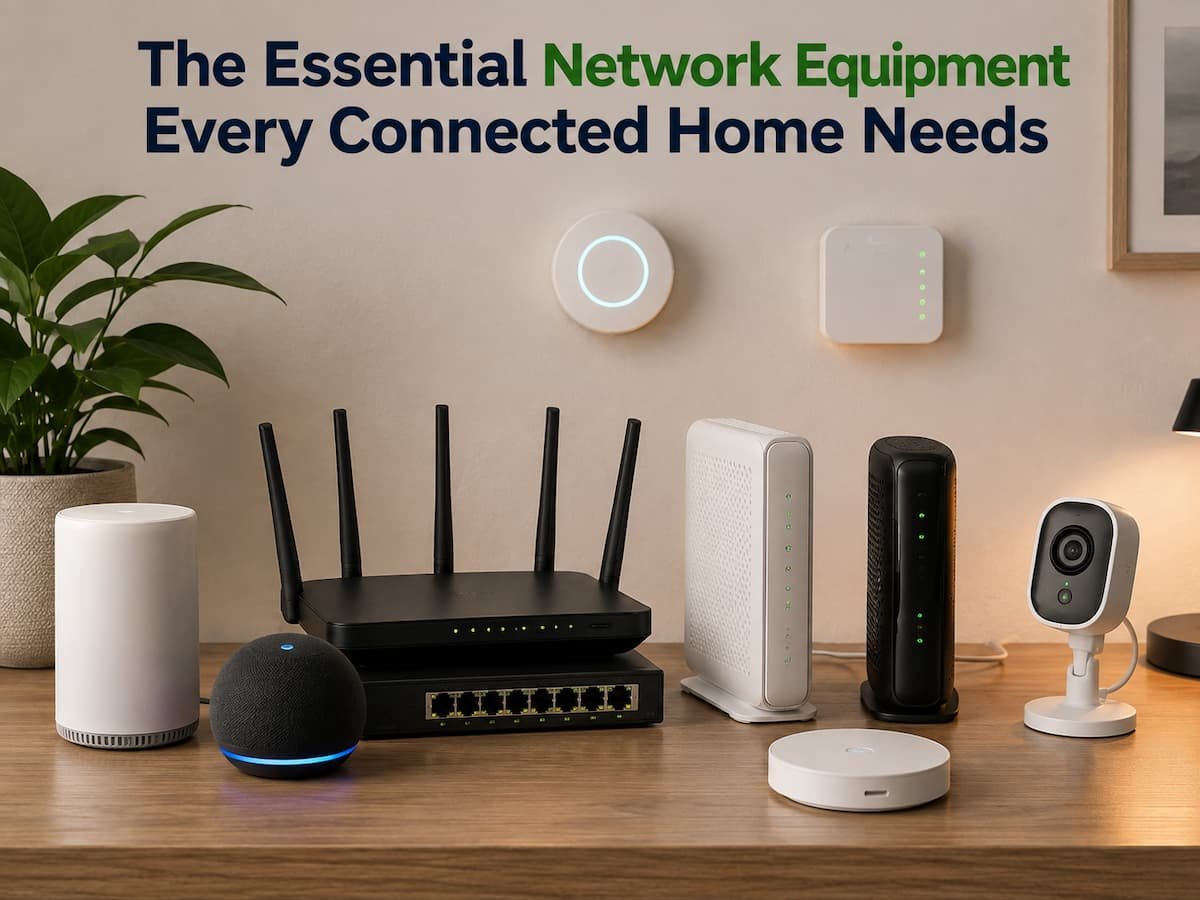
The Essential Network Equipment Every Connected Home Needs

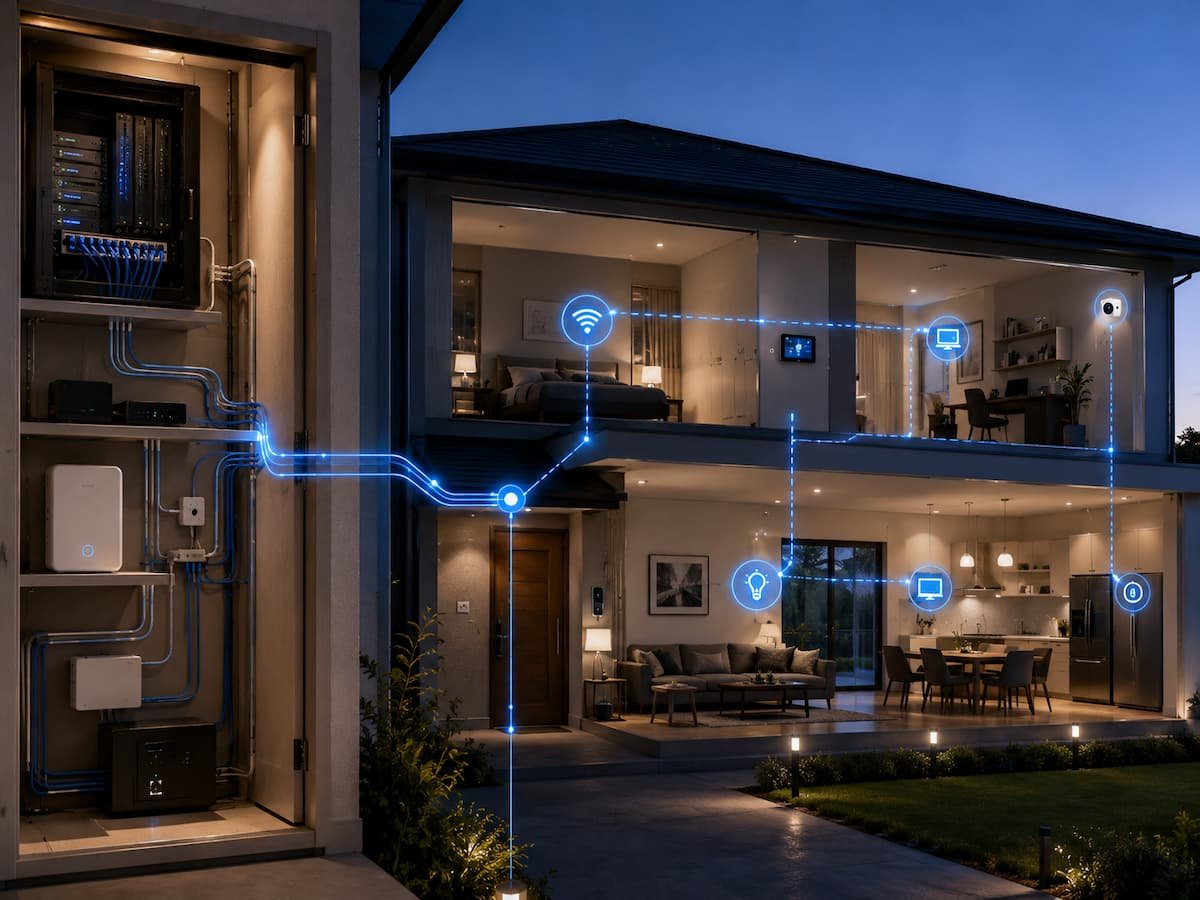
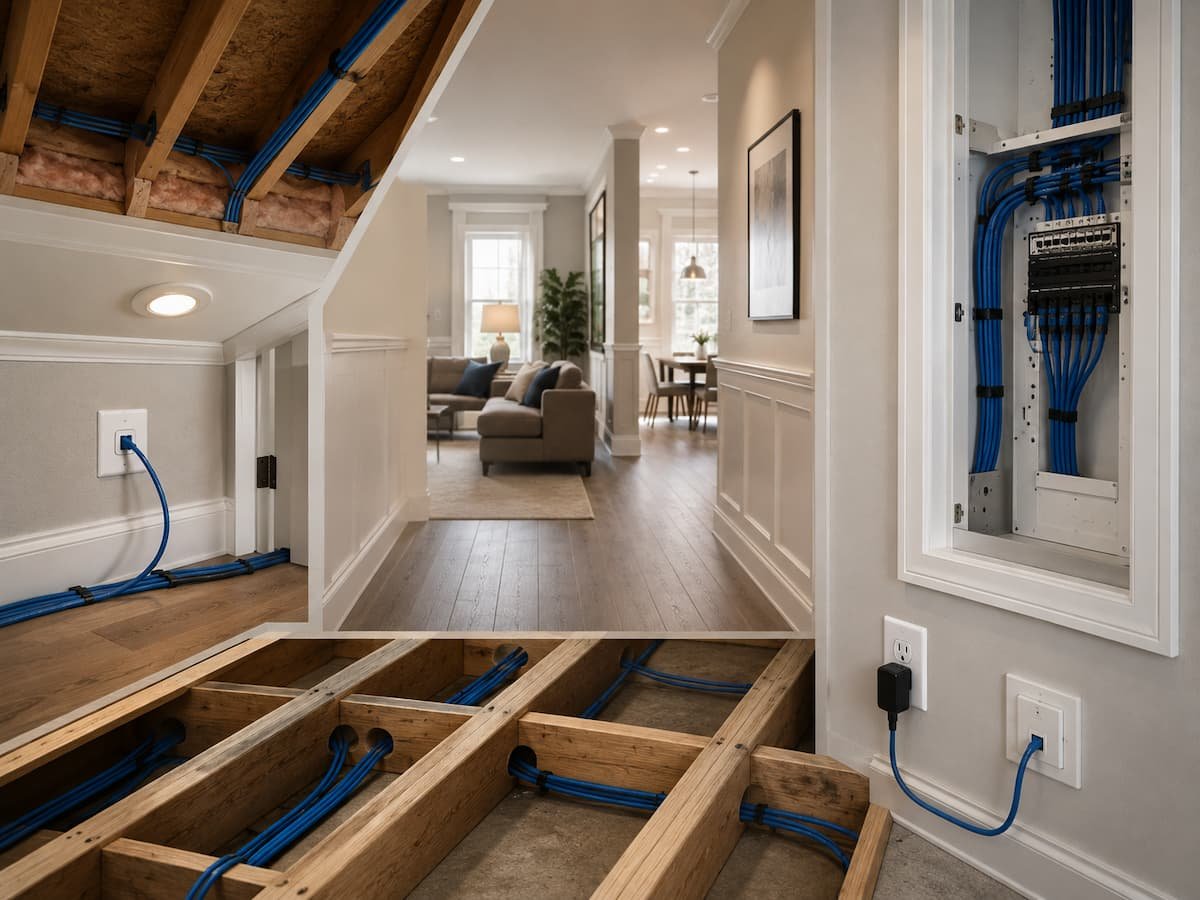
Most smart home issues aren’t caused by buying too many smart devices. The problem often lies in the poorly designed network supporting those devices. While a few phones and laptops might only require a simple internet gateway, the situation changes drastically when you add TVs, cameras, game consoles, smart speakers, printers, thermostats, computers, and other … Read more

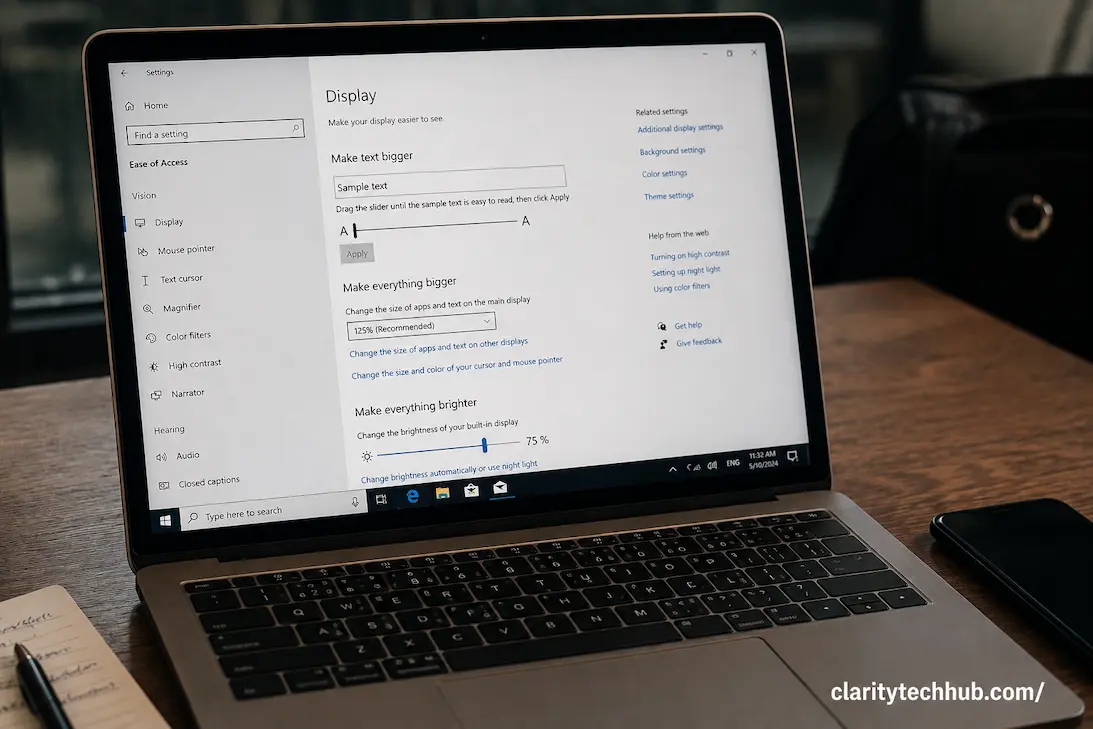
Accessibility Settings That Can Change the Way a Device Responds to You

Accessibility settings are often described as tools for people with specific disabilities, but many of them are really controls for how a device responds to the person using it. A phone, tablet, or computer can technically work correctly while still feeling difficult to operate because taps register too easily, gestures require more precision than expected, … Read more

How to Check Windows Device Compatibility Before Upgrading

A Windows upgrade can look straightforward: download the new version, click install, and wait for the computer to restart. Compatibility is the part that deserves attention before that process begins. A PC may appear powerful enough for a newer version of Windows and still fail an eligibility check. Another computer may meet the minimum requirements … Read more

Captions, Transcripts, and Audio Controls: Choosing the Right Option for Different Situations

Captions, transcripts, and audio controls can all make digital content easier to follow, but they solve different problems. A person watching a video in a noisy environment may need captions, while someone who cannot listen to audio at all may depend on the same captions throughout the entire recording. A transcript can be more useful … Read more

How to Move Your Digital Life to a New Phone Without Starting Over

Getting a new phone should feel like changing the device, not rebuilding your entire digital life. Yet many people approach a phone upgrade as if they are about to start from zero. They worry about losing photos, forgetting passwords, missing messages, losing access to important apps, or discovering too late that an authentication code was … Read more

When Repeated Software Problems Point to a Larger Device Issue

A single software problem is usually not enough to conclude that a computer or phone has a serious hardware issue. An application can crash because of a bad update, corrupted settings, insufficient storage, or a temporary conflict, and the problem may disappear after a straightforward fix. The situation becomes more interesting when unrelated software problems … Read more

How to Manage Power for Multiple Home Technology Devices

Modern homes can have more electronics than a few years ago. TVs can sit next to streaming boxes, game consoles, soundbars, and charging stations. The home office can feature a computer, monitors, printer, speakers, router, desk lamp, and other equipment. With smart-home hubs, cameras, network equipment, chargers, and kitchen gadgets, a room can rapidly become … Read more